Discover card statement to Excel, every purchase, payment and refund, proven to the new balance.
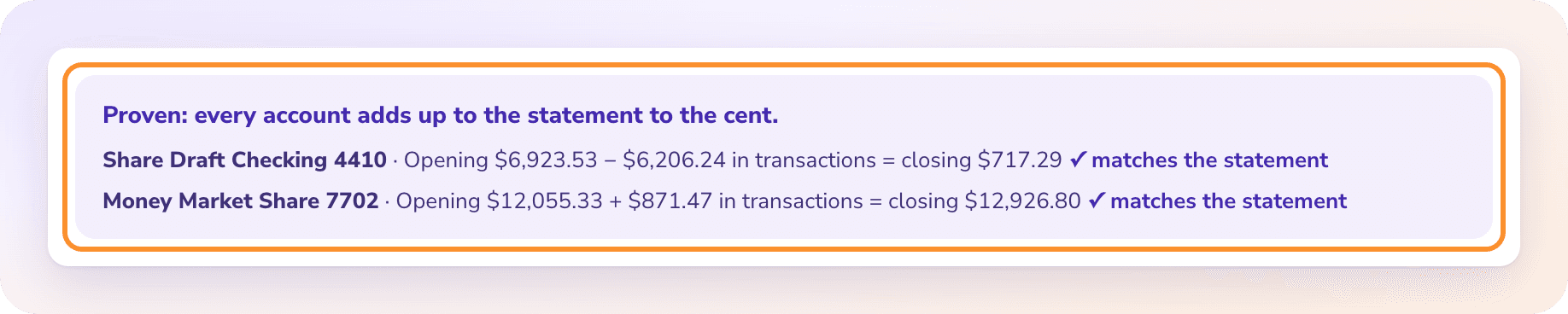
To convert a Discover card statement to Excel, download the statement PDF from your Discover account (or Capital One, once your account has moved), upload it to the ZeraBooks bank statement converter and download Excel or CSV. ZeraBooks proves it the way a card works: the previous balance, less payments and credits, plus every new charge, equals the new balance.
How do you download a Discover card statement as a PDF?
Where you sign in depends on whether your card has moved to Capital One yet. Capital One says Discover card accounts move over through 2026 and early 2027. The full walk-through is in Download your Discover statements.
1
Sign in where you manage the card
Still on discover.com? Sign in there. Already moved? Sign in to Capital One, where the card keeps its Discover name; see Capital One statement to Excel.
2
Open the card’s statements
Statements are listed with the card account, one per billing period.
3
Choose the billing period
A Discover period closes on the same day each month, so it rarely runs from the 1st to the 30th. If an old month is missing, ask Discover or Capital One for it.
4
Download the PDF
Not the activity download: a CSV from the activity page usually has no previous or new balance, so nothing can prove it is complete.
Try it on your own documents. One-week free trial, both apps included.
Discover says its account summary shows the previous balance and a total for each kind of activity in the cycle. The transactions follow, and then a few blocks that look like money but aren’t.
Part of the statement
What it holds
In the converted file
Account summary
Previous balance, payments and credits, purchases, balance transfers, cash advances, fees, interest, new balance
Used for the proof, not rows
Payment information
Minimum payment, due date and the late payment warning
Not rows
Payments and credits
Payments to the card and refunds from merchants
Rows, positive: Type Payment or Credit
Purchases
Each charge with its date and merchant
Rows, negative, Type Charge
Fees and interest charged
Late fees, cash advance fees, interest for the period
Rows, negative, Type Fee or Interest
Cashback Bonus summary
Typically the opening bonus, what was earned and redeemed, and the closing bonus
Not rows: rewards earned don’t move money
Interest charge calculation
Rates and balances subject to interest
Not rows
Card products and statement versions differ, so treat this as the typical shape. One case is worth knowing: Cashback Bonus redeemed as a statement credit does reduce what you owe, and it is listed with payments and credits. That line is a row. The bonus summary next to it is not.
WORKED EXAMPLE
What does a converted Discover statement look like?
Pine Street Pottery is a fictional studio that runs its supply buying through a Discover business card ending 3307. The billing period is 09/24/2026 to 10/23/2026, last month was paid in full and one order was refunded. In the Standard format:
Date
Description
Type
Amount
09/27/2026
Clay Planet supplies
Charge
-712.40
10/02/2026
USPS
Charge
-64.38
10/05/2026
Internet payment, thank you
Payment
1,846.22
10/09/2026
Etsy fees
Charge
-189.99
10/14/2026
Clay Planet supplies, refund
Credit
42.50
10/19/2026
Home Depot
Charge
-233.17
Sum of Amount = previous 1,846.22 − new 1,157.44
688.78
The proof: 1,846.22 − 1,846.22 − 42.50 + 1,199.94 = 1,157.44, the new balance Discover printed. Fees and interest were zero because September was paid in full. The statement also showed Cashback Bonus earned this period; it isn’t in the file because it moved no money. On a card, charges are negative and payments positive, so the column adds up to how much the balance went down.
A CARD, NOT A BANK ACCOUNT
How is a card statement checked differently from a bank statement?
A bank statement starts with money you have. A card statement starts with money you owe. So the check runs the other way: the previous balance, less what you paid and what was refunded, plus what you charged, plus fees and interest, has to land on the new balance printed on the statement.
That is why the payment and the refund are both positive in the file but are not the same thing. The payment moved money from your bank to the card. The refund took back part of a purchase. For books, the payment is a transfer and the refund reduces the supply cost. The Type column keeps them apart, and credit card statement to Excel covers the card side in general.
Discover also offers checking and savings. Those statements are bank statements and are proven on their beginning and ending balance. Upload them to the same page; ZeraBooks tells a card from a bank account by what the statement prints.
WHAT GOES WRONG
Why does copying a Discover statement into Excel go wrong?
Card statements are short, and the mistakes are in the signs and the extras.
Every amount looks the same
Payments, refunds and purchases can all print as plain numbers in their own blocks. Paste them into one column and the month adds up to a huge charge.
Rewards get summed
The Cashback Bonus summary has dollar amounts in it. Copy the page and they land beside real charges.
The period crosses months
A statement that closes on October 23 holds September charges. Dates without a year go wrong on a period that closes in January.
The account moved mid-year
After the switch to Capital One, the next statement comes from a different site. Keep both runs of PDFs; each statement still proves on its own previous and new balance.
AFTER THE FILE
Where does a Discover spreadsheet go next?
INTO THE BOOKS
Import-ready files from a proven statement.
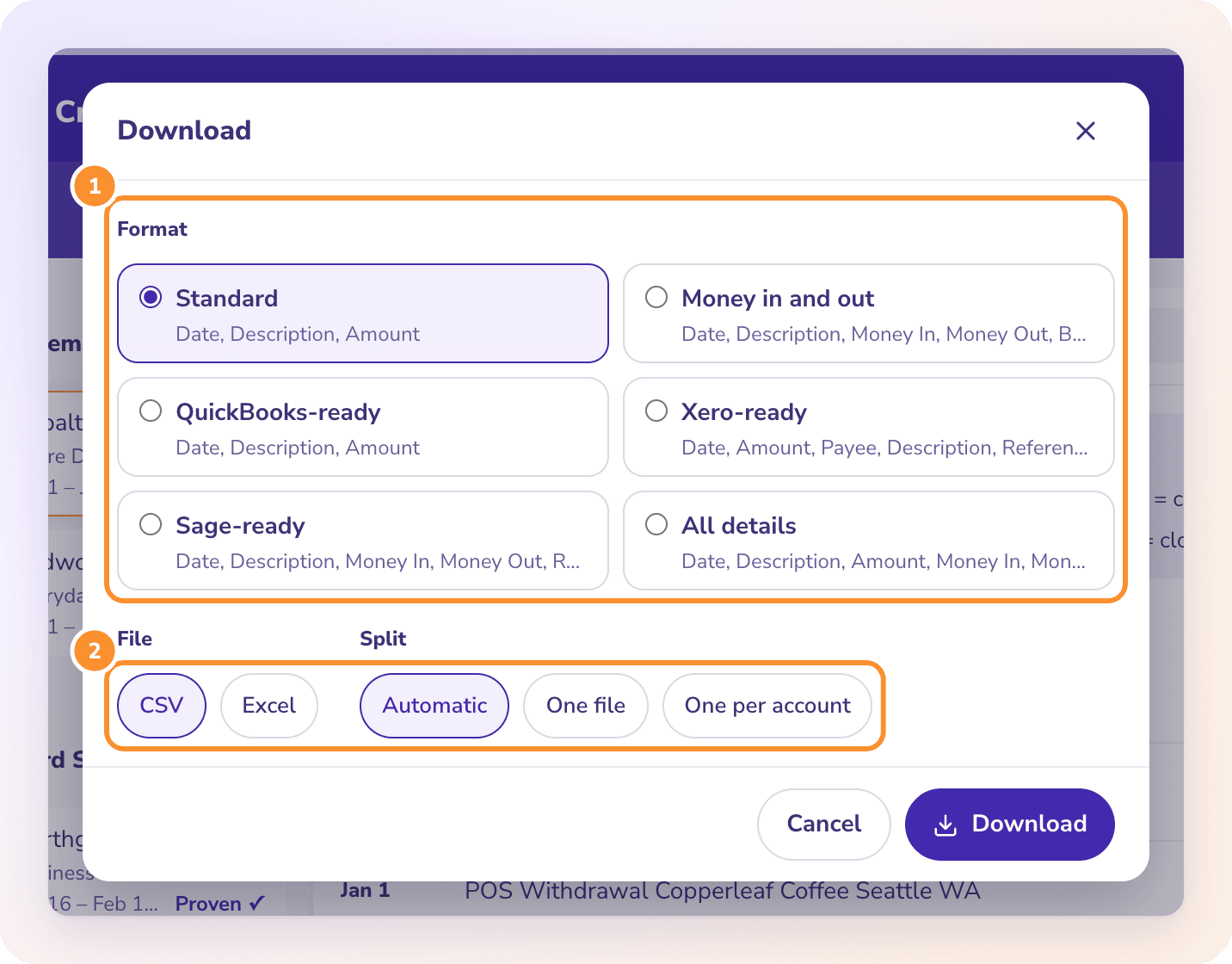
The import-ready downloads for QuickBooks Online, Xero or Sage write charges as negative and payments as positive, from a statement already proven. Want the books kept for you from the same PDFs? See AI bookkeeping.
OTHER CARDS
More than one card in the business.
Upload every card’s statements together and download them as one file with an Account column. Amex statements with several card members are covered in American Express statement to Excel.
Yes. Discover became part of Capital One on May 18, 2025. Capital One says card accounts move to its website and app in 2026 and early 2027, and the card keeps its Discover name. Once yours has moved, download statements from Capital One.
Is Cashback Bonus included in the converted file?+
Only when it moved money. Cashback Bonus redeemed as a statement credit is a credit row. Bonus earned or carried over is left out, because it isn’t a transaction.
Can I convert a Discover checking statement too?+
Yes. Upload it to the same page. It is proven as a bank account, on its beginning and ending balance, rather than as a card.
Does ZeraBooks connect to my Discover account?+
No. ZeraBooks has no bank or card feeds and never asks for your Discover sign-in. You download the PDF and upload it.
How much does it cost to convert Discover statements?+
Card and bank statements share one allowance: 1,000 pages a month for $79 a month billed annually or $149 monthly, after a 7-day trial. See ZeraBooks pricing.
Damin founded ZeraBooks in 2025 and still talks to the bookkeepers, firms and owners who use it every week. He writes about what he sees in their statements and ledgers, and every page here is checked against the live product before it goes up.