How to get an American Express statement into Xero, with charges and payments the right way round.
Connect the Amex card through Xero’s bank feeds for new activity. For past months, download a CSV from American Express (it covers two years) or convert the PDF statements, then use Import a Statement on a Xero credit card account. Charges go in as negative amounts and payments as positive. ZeraBooks makes a Xero-ready CSV from Amex PDFs.
7-day trial · card required, nothing charged for 7 days · 1,000 pages a month from $79/month billed annually
THREE ROUTES
How do you get American Express transactions into Xero?
Which route fits depends on how far back you need to go. Checked on Xero’s and American Express’s own pages, October 22, 2026:
Route
What it covers
Work involved
Best for
Xero bank feed
New activity from when the feed starts
Connect once from Xero; lines arrive on their own
Every month from now on
Amex CSV download
Two years of transactions
Download, fix the signs if needed, import
Recent months before the feed started
Converted PDF statement
Any month you have a statement for
Convert, then import
Older months, archived statements, a catch-up year
Xero lists American Express among the U.S. banks it supports for feeds. Whatever the route, the lines go into a credit card account in Xero, not a bank account, so the balance shows what you owe. Setting up a feed is covered in Xero bank feed setup.
Try it on your own documents. One-week free trial, both apps included.
Should Amex charges be positive or negative in Xero?
Negative. Xero’s CSV rule is one Amount column with money in positive and money out negative, and on a card a charge is money out. Saltmarsh Events is a fictional event planner. Its Amex statement for August 15 to September 14, 2026 opens at 3,118.40 owed. The file column is what Xero should receive, with a plain minus sign and no thousands separator:
Date
Line
On the Amex statement
In the Xero file
08/18
Print shop
286.50
−286.50
08/22
Payment received, thank you
−3,118.40
3118.40
08/25
Caterer
1,940.00
−1940.00
08/30
Refund: print shop
−86.50
86.50
09/03
Software subscription
49.00
−49.00
09/10
Fuel
72.35
−72.35
Period
Net of the lines
−857.05
857.05
Proof on the statement: 3,118.40 − 3,118.40 + 2,347.85 in charges − 86.50 refund = 2,261.35 new balance. Proof in Xero: the card account opens at −3,118.40 (owed), the file adds +857.05, and −3,118.40 + 857.05 = −2,261.35, the same 2,261.35 owed. If Xero shows the balance going up after a month of spending, the signs were imported the wrong way round.
FROM AN AMEX CSV
How do you import an American Express CSV into Xero?
Use this for months inside Amex’s two-year download window that the feed doesn’t cover.
1
Download the billing period
Sign in at americanexpress.com, open the card’s statements and activity, choose the billing period and download CSV. Use statement dates so the file matches a statement you can check.
2
Check one known charge
Find a purchase you remember. If it shows as a positive number, every sign in the file needs flipping before Xero sees it.
3
Shape the columns
Keep Date and Amount, and add Payee and Description from the Amex columns. Delete any balance column, the card number and blank rows. Header row in row 1.
4
Import into the card account
In Xero, open the American Express credit card account, choose Import a Statement, pick the file and assign each column the first time.
5
Reconcile the payment as a transfer
The Amex payment appears on the card and on the checking account. Record it once as a transfer between the two, never as an expense.
6
Compare the balance
After reconciling, the card account in Xero should show the new balance printed on the Amex statement.
THE PAYMENT
How do you record the Amex payment in Xero?
The 3,118.40 payment shows up twice: money out of checking and money in on the card. It moves debt, not spending. Record it as a transfer between the checking account and the Amex account, then match the line on the other account to that same transfer. Coding it to an expense counts every August charge twice: once as charges and once as the payment.
The annual fee, interest and any rewards credit are different. They are real expenses or income on the card account and go to their own accounts. Which account each kind of Amex charge belongs in is laid out in American Express expense categorization.
FROM AN AMEX PDF
For older months, convert the PDF statement.
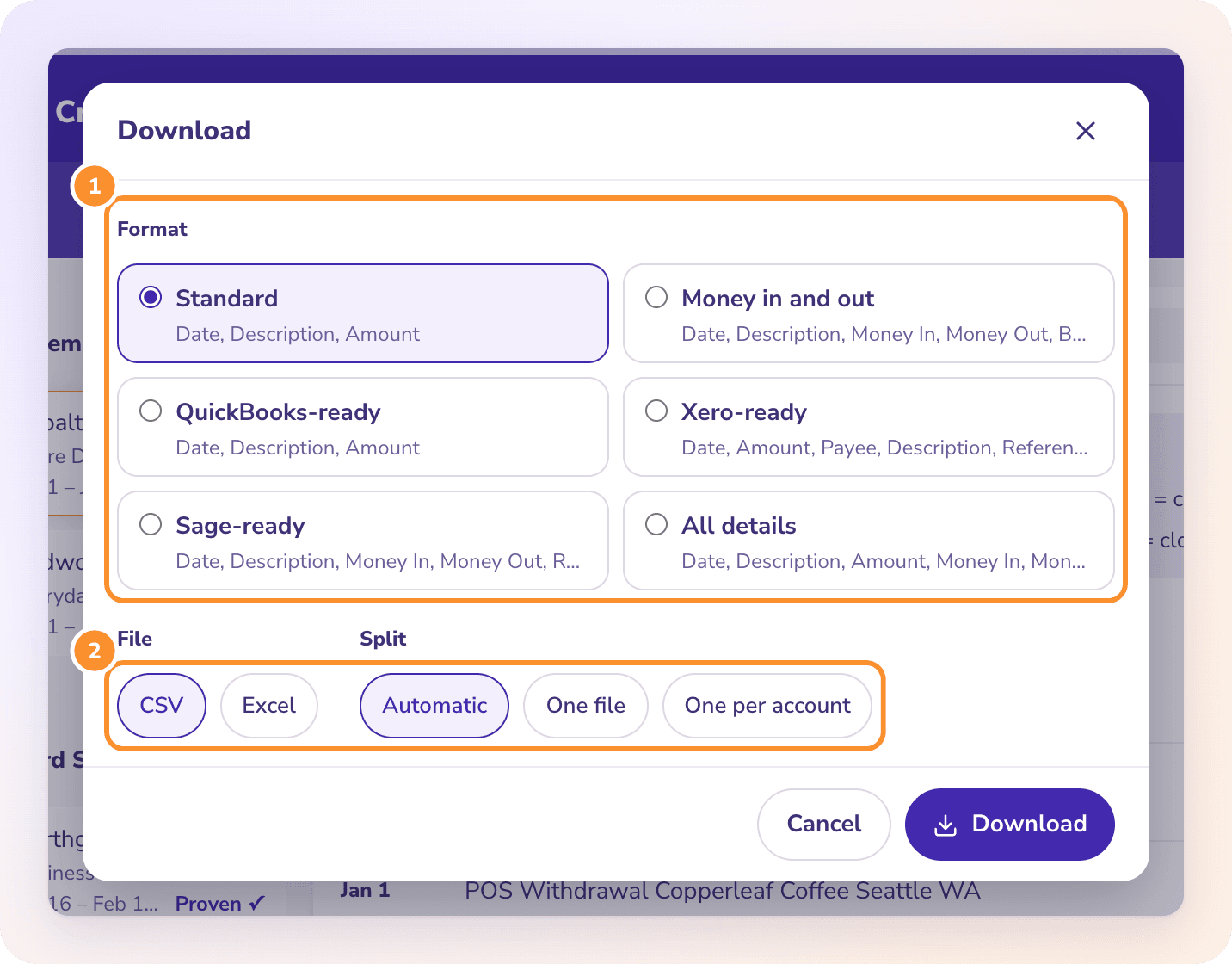
ZeraBooks Convert reads the Amex PDF and writes a file shaped for Xero’s import. It has no Xero connection and no bank feed; the file is the hand-off.
Convert writes money out as a minus, so charges come out negative and payments and refunds positive, the way Xero wants them on a card account. Dates are MM/DD/YYYY, so confirm month first when Xero asks. Xero’s import screen, column rules and errors are covered in the Xero bank statement import guide.
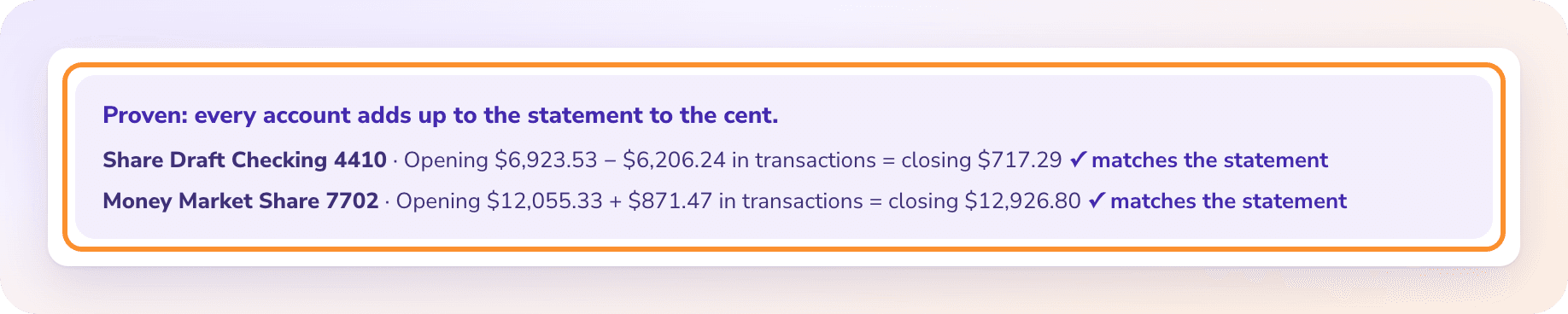
Amex periods don’t start on the 1st, and employee cards print on the main statement. Convert checks previous balance plus charges minus payments against the printed new balance, and each cardholder’s charges against their printed total. A statement that doesn’t tie is flagged with the difference. The All details download keeps the cardholder on every row for your own records.
Xero’s U.S. bank feeds page lists American Express among the banks it supports, checked October 22, 2026. A feed brings in new activity; months before it started still need importing from a CSV or a converted statement.
Can I import an Amex PDF statement into Xero directly?+
Xero lists a PDF upload for statements from supported banks without naming them. If it doesn’t accept your Amex PDF, convert the PDF to CSV and use Import a Statement on the card account.
Why does my Amex balance go up in Xero after importing?+
The signs are reversed. Charges must be negative and payments positive in the Amount column. Many card downloads write charges as positive, so flip every sign and import again after removing the wrong lines.
Should I set up Amex as a bank account or a credit card account in Xero?+
A credit card account. Its balance then shows what you owe, and the monthly payment from checking is a transfer between the two accounts.
How far back can I get Amex transactions for Xero?+
Amex lets you view and download two years of transactions as CSV. Older statements can be requested from its archive and appear online within 24 hours, as PDFs you can convert. The general steps for card CSVs are in how to export a credit card statement to CSV.
Does ZeraBooks send Amex transactions to Xero?+
No. ZeraBooks has no Xero connection. It converts the Amex PDF into a Xero-ready CSV that you import yourself. That is part of the ZeraBooks subscription: 1,000 pages a month from $79 a month billed annually, after a 7-day trial.