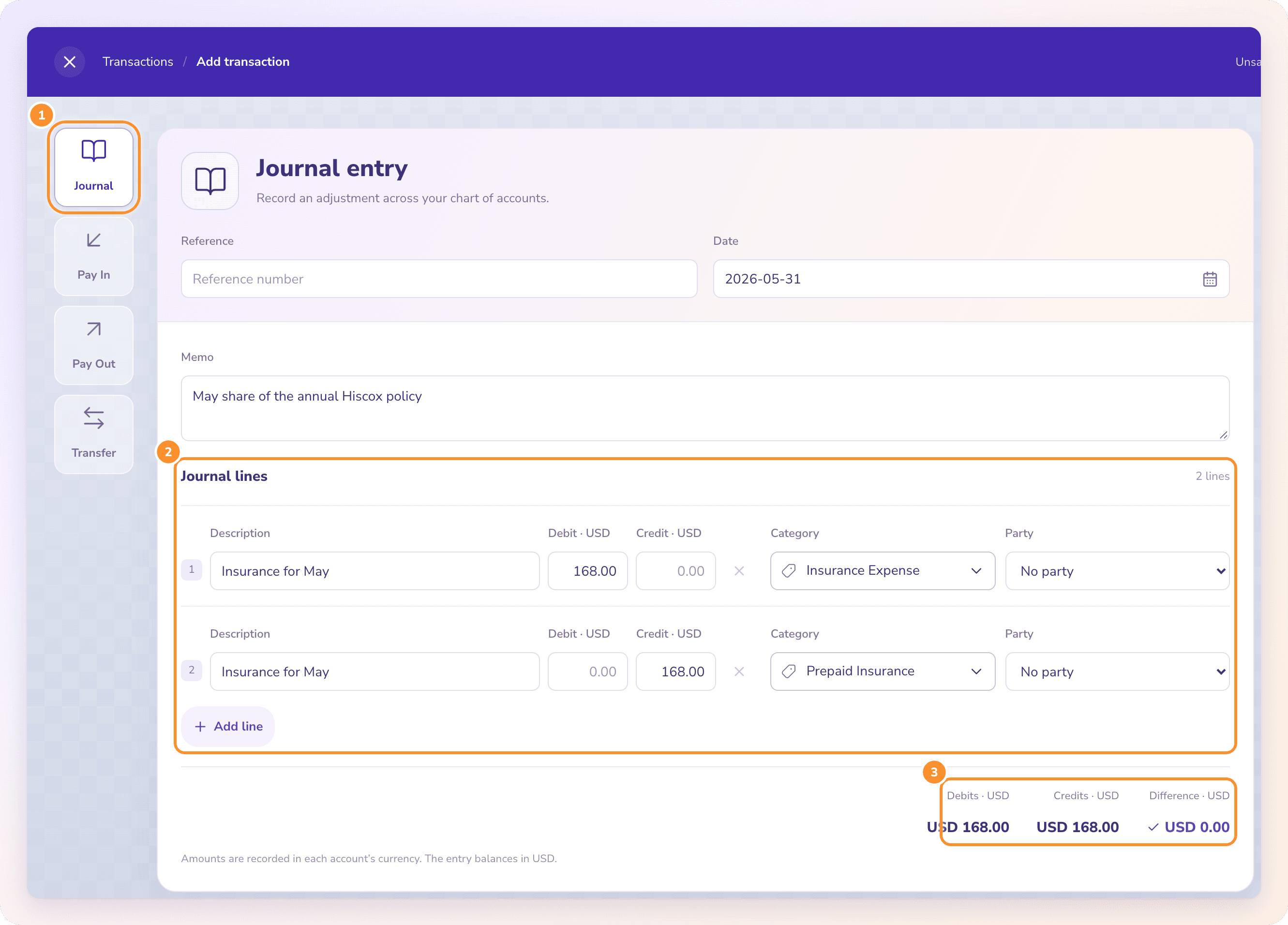
How to record loan payments, principal, interest and fees on their own lines.
To record a business loan payment, split it: principal reduces the loan liability, interest goes to interest expense, and any fee goes to its own expense line, all credited to the bank account it left. The lender’s statement shows the split. The ZeraBooks general ledger books the payment to the loan and moves the interest out each month.
7-day trial · card required, nothing charged for 7 days · then $79/month billed annually or $149 monthly
DEFINITION
What is an amortizing loan?
A loan repaid in equal payments where each payment covers that month’s interest first and the rest reduces the principal. Interest shrinks and principal grows with every payment, while the total paid stays the same.
WHERE EACH PART GOES
How do you categorize a loan payment?
The bank statement shows one withdrawal. The books need up to three lines, because only part of the money is a cost.
Part of the payment
Account
Account type
On the P&L?
Principal
Loan payable (one account per loan)
Liability
No
Interest
Interest expense
Expense
Yes
Late fee or service fee
Bank and loan fees (or interest expense, if your accountant prefers)
Expense
Yes
Escrow or insurance held by the lender
Escrow or prepaid account until the lender pays it out
Asset
Not until paid out
The loan money you received
Loan payable, never income
Liability
No
The most common mistake is booking the whole payment as an expense. That overstates costs by the principal, understates profit, and leaves a loan on the balance sheet that never goes down. The second most common is the opposite: the whole payment against the loan, so no interest is ever expensed.
Try it on your own documents. One-week free trial, both apps included.
Kestrel Print Co. is a fictional print shop. On December 1, 2025 it borrowed 36,000.00 for a press at 7.20% fixed over 36 months. The lender kept a 1.5% origination fee, so 35,460.00 arrived in checking.
Event
Debit
Credit
Amount
Loan funded
Cash: checking
Loan payable
35,460.00
Origination fee withheld
Loan fees (see note)
Loan payable
540.00
January payment: principal
Loan payable
Cash: checking
898.87
January payment: interest
Interest expense
Cash: checking
216.00
March late fee
Bank and loan fees
Cash: checking
35.00
The loan payable account starts at the full 36,000.00 the business owes, not the 35,460.00 that arrived. Many small businesses expense a small origination fee when it is paid. Under U.S. GAAP, loan costs are shown as a reduction of the loan and spread over its life as interest, so ask your accountant which way your books should go. The equipment itself is a separate entry: debit equipment, credit cash or the vendor, for the price of the press.
WORKED EXAMPLE
How do you split principal and interest on each payment?
Monthly interest is the balance owed times the annual rate divided by 12: 36,000.00 × 7.20% ÷ 12 = 216.00. The rest of the 1,114.87 payment is principal. Here are Kestrel’s first three payments:
Paid
Total paid
Interest
Principal
Fee
Loan balance after
Balance at funding, Dec 1, 2025
36,000.00
01/02/2026
1,114.87
216.00
898.87
0.00
35,101.13
02/02/2026
1,114.87
210.61
904.26
0.00
34,196.87
03/13/2026
1,149.87
205.18
909.69
35.00
33,287.18
Three payments
3,379.61
631.79
2,712.82
35.00
The proof: 36,000.00 − 2,712.82 = 33,287.18, the balance the lender prints on the March statement. Interest falls each month because it is charged on a smaller balance. Many lenders work out interest by the day, so a late payment can carry a little more interest than this monthly figure; when the statement and your calculation differ, the statement wins.
THE LENDER’S STATEMENT
What does a loan statement show, and which figures do you need?
Each lender words it differently, but a monthly loan statement carries everything the entries need. Take these figures from the payment you made, not the year-to-date column beside it.
Amount received and date
Matches the withdrawal on your bank statement. If the two dates differ by a day or two, date the entry by the bank, since that is when the cash left.
Applied to principal and applied to interest
The split for this payment. Use the lender’s figures rather than your own calculation whenever they print them.
Fees and charges
Late charges, returned-payment fees or annual fees. Record them on their own line so they don’t inflate interest.
Principal balance after the payment
What your loan payable account should show on the same date. Reconcile the two every month, the same way a bank account is reconciled; our guide to balance sheet reconciliation covers the loan line.
Interest paid this year
The figure your accountant needs at year end. It should equal the interest expense you booked for this loan for the year.
STEP BY STEP
How to record a loan payment in your books
One loan, one month. Repeat for each payment, oldest first.
1
Set up the loan account
Add a liability account named for the lender and the loan, and enter the amount owed on the day it was funded or the day your books start.
2
Find the split
Read principal, interest and fees from the lender’s statement. No statement? Interest is the balance owed times the rate ÷ 12; the rest is principal.
3
Record the payment
One entry, several lines: debit loan payable for principal, interest expense for interest, fees for any fee, and credit the bank account for the total paid.
4
Match it to the bank line
The credit to cash should be the same amount and date as the withdrawal on the bank statement, so the bank reconciliation still ties.
5
Check the balance
The loan payable balance after the entry should equal the principal balance on the lender’s statement. If it doesn’t, a payment or a split is wrong.
6
At year end, split current and long term
Principal due in the next 12 months is a current liability; the rest is long term. Your accountant may ask for this split on the balance sheet.
WITH ZERABOOKS
How ZeraBooks records loan payments.
ZeraBooks works from the statements you upload. It has no lender or bank connection.
AUTOPILOT, AT MONTH END
The interest is split out for you.
A loan payment on the bank statement goes to the loan account. At month end Autopilot asks for the loan’s rate (it offers 3.75% for an SBA EIDL), then moves each month’s interest from the loan to Interest Expense: the balance owed × the rate ÷ 12. It never splits interest from a guessed rate, and later months reuse your answer. Want a loan statement turned into a spreadsheet instead? See loan statement to Excel.
Autopilot: what the AI did, one-tap questions, undo.
ASK ZERA
Upload the loan statements with the bank statements.
Drop loan statements in with the month’s bank statements and Ask Zera uses them as evidence: principal against the loan, interest as an expense, and a question when the rate isn’t printed. At year end, Financials flags any loan that received six or more payments with no interest recorded.
Only the interest and any fees are. The principal pays back money you borrowed, so it reduces the loan liability and never appears on the profit and loss.
Is the money from a business loan income?+
No. Borrowed money is a liability: debit the bank account, credit loan payable. It raises cash without raising profit, which is why a business can have money in the bank and still show a loss.
How do I record a loan payment when I don’t have the lender’s statement?+
Work out the interest from the balance and the rate: balance owed × annual rate ÷ 12. The rest of the payment is principal. Ask the lender for an amortization schedule or year-end interest statement and correct the split when it arrives.
Do SBA, equipment and vehicle loans work the same way?+
Yes. The same entries apply to SBA loans, equipment loans and vehicle loans. Interest-only months simply have no principal line. A line of credit works the same way, but its balance goes up when you draw and down when you repay.
What if I booked whole loan payments as an expense for months?+
Move the principal back to the loan account with one correcting journal entry per period, then check the loan balance against the lender’s latest statement. If the books are far off, a bookkeeping services cleanup fixes it month by month.
Can ZeraBooks split loan interest automatically?+
Yes, once it knows the rate. Autopilot moves each month’s interest from the loan to Interest Expense and lists every entry in Done by AI, where you can undo it. ZeraBooks is $79 a month billed annually or $149 monthly, after a 7-day trial.
Upload a month with a loan payment. See principal and interest land apart.
ZeraBooks books the payment to the loan and asks for the rate before it splits a cent. Free for 7 days, then $79 a month billed annually; see ZeraBooks pricing.