How to use QuickBooks Spreadsheet Sync, and what to check before you press Sync.
QuickBooks Spreadsheet Sync is an Excel add-in included with QuickBooks Online Advanced and Intuit Accountant Suite. An admin opens it from Reports, signs in on Excel’s Home tab, picks a record type, fills in Intuit’s template, sets Post? to Yes and syncs. ZeraBooks Convert can turn vendor invoice PDFs into rows for that template. It doesn’t connect to QuickBooks.
7-day free trial · 1,000 pages a month from $79/month billed annually
THE BASICS
What is QuickBooks Spreadsheet Sync, and who has it?
Spreadsheet Sync moves data both ways between Excel and QuickBooks Online. These facts come from Intuit’s Get started article (updated August 3, 2026) and its Spreadsheet Sync FAQ (updated August 5, 2026):
Question
Answer from Intuit
Which plans include it?
QuickBooks Online Advanced, Intuit Accountant Suite and Intuit Enterprise Suite
Simple Start, Essentials or Plus?
Not included; those plans would have to upgrade
Who can use it?
Admins only
Which spreadsheet?
Excel, in its Office 365 edition, for Advanced and Accountant Suite. Older Excel versions don’t work. Enterprise Suite also works with Google Sheets
What does it cost?
Nothing extra; it is part of the subscription
What can it do?
Build reports in Excel, run consolidated reports across companies, and add or edit records and sync them back
If your company runs on Plus or below, the add-in isn’t available. For bank statement lines, the route every plan has is the bank upload, covered in our guide on how to import a PDF bank statement into QuickBooks.
Try it on your own documents. One-week free trial, both apps included.
Which records can Spreadsheet Sync add to QuickBooks?
Each record type has its own template. Intuit’s Import data article (updated August 5, 2026) lists these:
Template
Type
What you can do
Accounts
List
Add, update or archive
Vendors and customers
List
Add, edit or void
Classes and locations
List
Add, edit or void
Employees
List
Add, edit or void
Inventory items
List
Add, edit or delete; bundles aren’t supported
Invoices and bills
Transaction
Vendor bills, credit memos and customer payments
Estimates, purchase orders, time activities
Transaction
Add, edit, void or delete, by template
Purchase and sales receipts
Transaction
Add, edit or delete
Journal entries
Transaction
Through a separate Journal Entries option
There is no bank statement template on Intuit’s list. Spreadsheet Sync is for records you create in the books, such as bills, invoices and journal entries. Statement lines go through Bank transactions, where QuickBooks matches them against those records.
WORKED EXAMPLE
What does a Spreadsheet Sync batch look like?
Fernhill Landscaping is a fictional company on QuickBooks Online Advanced. It enters six October vendor bills in the bills template and marks every row Post? Yes. View sync details after the first sync shows this:
Row
Vendor
Bill date
Account
Amount
First sync
1
Greenleaf Nursery
10/02/2026
Materials
1,240.50
Imported
2
Ridge Fuel Co.
10/05/2026
Fuel
386.20
Imported
3
Greenleaf Nursery
10/09/2026
Materials
2,015.00
Imported
4
Coastal Equipment Rental
10/14/2026
Equipment rental
640.00
Imported
5
Ridge Fuel Co.
10/19/2026
Fuel
412.75
Imported
6
Pinecrest Irrigation
10/23/2026
Materials
905.55
Error: vendor not found
Six bills
5,600.00
4,694.45 imported
Pinecrest Irrigation wasn’t in QuickBooks yet, so the name didn’t match a choice in the vendor column; Intuit’s troubleshooting article lists that as a common error. Fernhill adds the vendor with the vendors template, sets only row 6 to Yes and syncs again. Unpaid bills then total 4,694.45 + 905.55 = 5,600.00, which is the check: the template total and the new bills in QuickBooks should be the same figure.
STEP BY STEP
How do you add records to QuickBooks with Spreadsheet Sync?
The steps from Intuit’s Get started and Import data articles, signed in as an admin.
1
Open it from QuickBooks
Go to Reports, select Spreadsheet sync, then Run report in Excel. The first time, Excel asks you to trust the add-in.
2
Sign in from Excel
On Excel’s Home tab, select Spreadsheet Sync, then Get Started and Sign in. Pick the company if you have more than one.
3
Get the template
Choose Create or edit records, the company and the record type, then Add new records to QuickBooks and Get template. To change records already in QuickBooks, choose Edit QuickBooks records instead and filter them.
4
Fill in the rows
One record per row. Columns marked with a star are required, and dropdown columns must match names already in QuickBooks.
5
Mark rows to post
Set the Post? column to Yes on each row you want to send. Rows left blank stay in the sheet.
6
Sync and read the result
Select Sync to QuickBooks, then Sync. Open View sync details to see how many lines imported and which rows failed, fix those and sync them again.
BEFORE YOU SYNC
What should you check before syncing a batch?
A sync writes straight into the books, and Intuit’s FAQ describes no undo for it. A few minutes of checking saves an afternoon of corrections.
1
Names exist first
Vendors, customers, accounts and items must already be in QuickBooks. Sync the list templates before the transactions that use them.
2
The total ties to the source
Add up the amount column and compare it with the invoices or the report you typed from. Fernhill’s six bills come to 5,600.00, and the bills in QuickBooks should too.
3
Nothing is already in QuickBooks
Search for a bill number or two before you sync. Bills entered by hand earlier and synced again become duplicates.
4
A small batch first
Sync two or three rows, open them in QuickBooks, and check the account, date and amount before sending the rest.
5
Wrong records get fixed in place
Pull them back with Edit QuickBooks records, correct the rows and sync again, or fix them in QuickBooks. Clear Sheet resets the template when you are done.
WITH ZERABOOKS CONVERT
Where ZeraBooks Convert fits.
Typing a stack of vendor invoices into a template is the slow part. Convert reads the PDFs and gives you the rows in a file. You copy them in; it never touches QuickBooks.
VENDOR INVOICES
Invoice PDFs into bill rows, totals checked.
Upload vendor invoices and download the Bills import format: Vendor, Bill No., Bill Date, Due Date, Description, Quantity, Unit Price and Amount. Each invoice is checked so its lines and tax add up to its printed total before you download. Paste the columns into Intuit’s bills template and pick the account for each row yourself, because Convert doesn’t categorize. The details are in invoice to Excel.
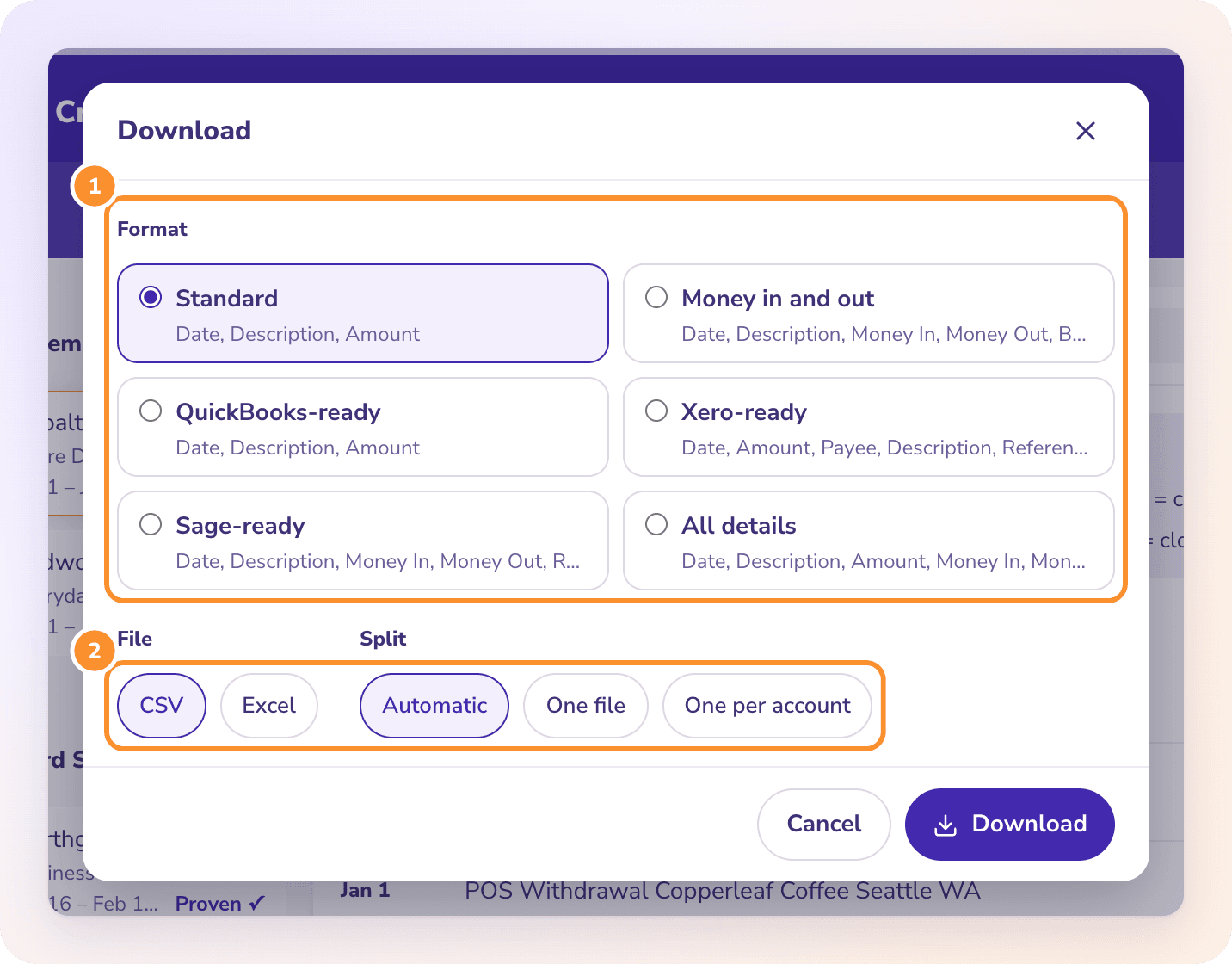
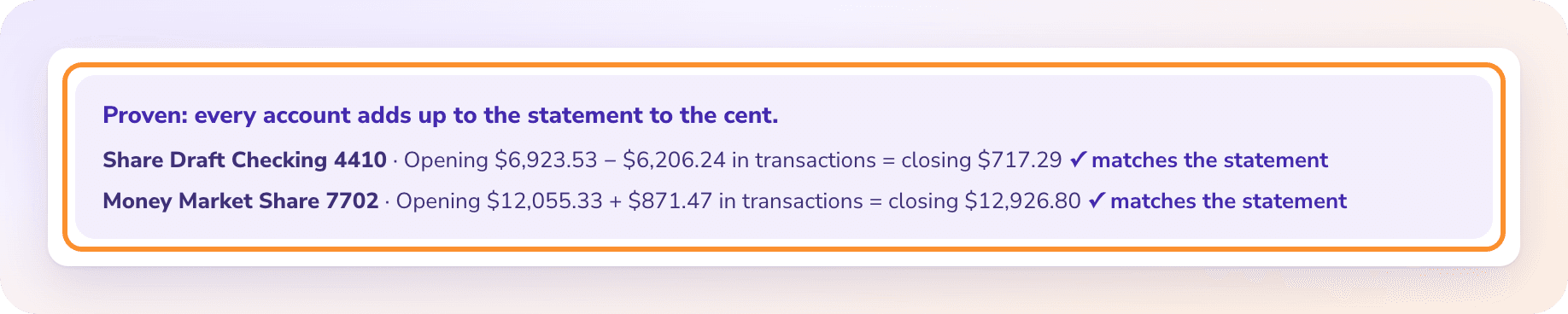
For bank and card statements, Convert proves each one against its printed opening and closing balances and makes the QuickBooks-ready CSV for the bank upload. See PDF to QuickBooks. Convert makes CSV and Excel files only, with no .qbo or IIF files and no QuickBooks connection. Both are part of the ZeraBooks bank statement converter.
It costs nothing extra on the plans that include it: QuickBooks Online Advanced, Intuit Accountant Suite and Intuit Enterprise Suite. It isn’t available on Simple Start, Essentials or Plus.
Does Spreadsheet Sync work with Google Sheets?+
Not for QuickBooks Online Advanced, which Intuit says works only with Excel. Intuit Enterprise Suite works with Excel and Google Sheets.
Can Spreadsheet Sync import bank transactions?+
Intuit’s template list has no bank statement template. Upload statement lines through Bank transactions with a CSV, the way our guide on how to import a PDF bank statement into QuickBooks shows, and match them to the bills and invoices you synced.
Can you undo a Spreadsheet Sync?+
Intuit’s FAQ doesn’t describe an undo. Pull the records back with Edit QuickBooks records and correct them, or void or delete them in QuickBooks. That is why a small test batch comes first.
Does ZeraBooks sync with QuickBooks?+
No. ZeraBooks Convert has no QuickBooks connection and doesn’t post anything; it gives you Excel and CSV files. If you would rather keep the books somewhere the statements post themselves, ZeraBooks AI bookkeeping is a full ledger, from $79 a month billed annually after a 7-day trial.