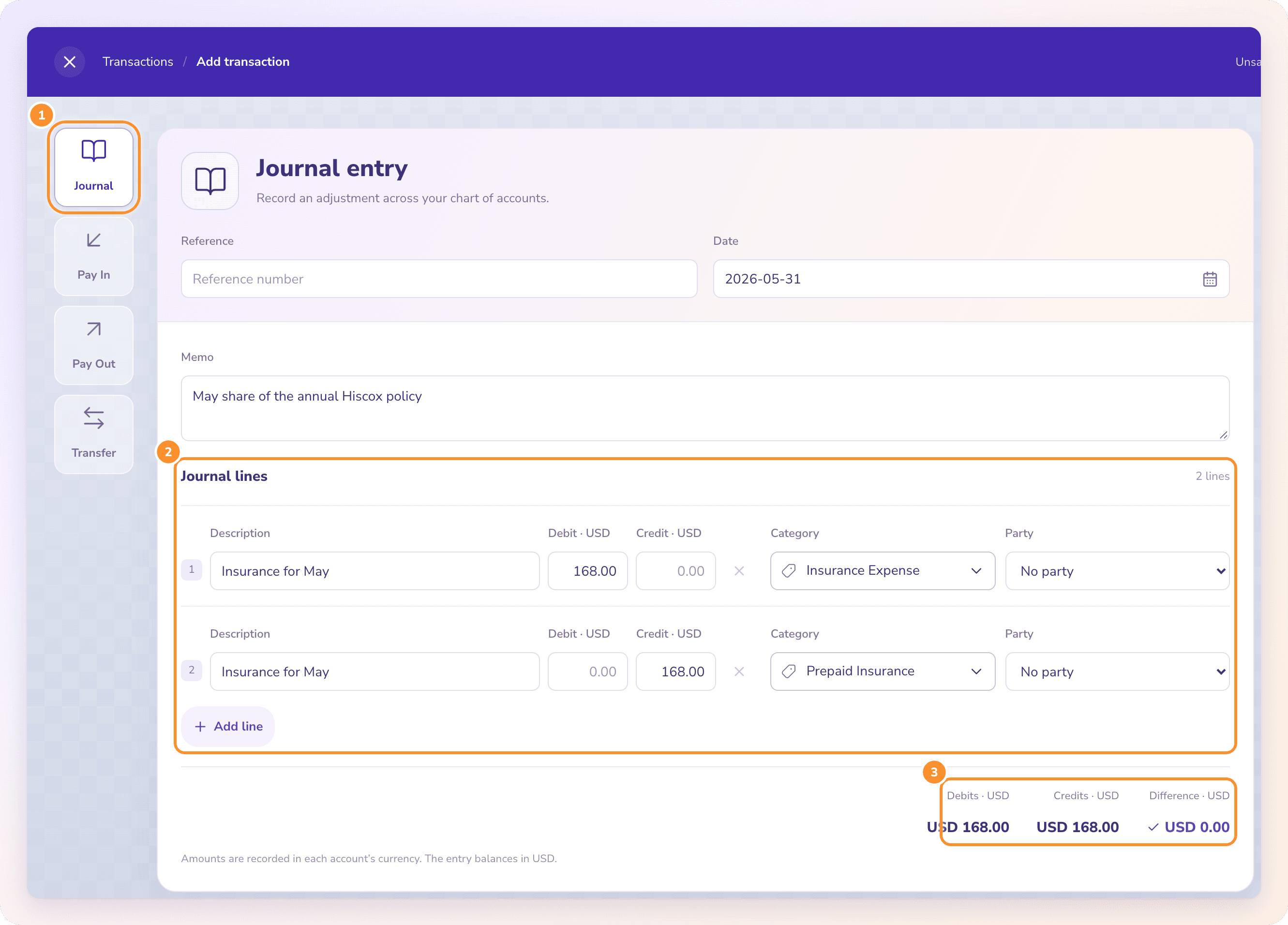
How to handle NSF fees in bookkeeping, with the journal entries for a bounced check.
When a customer’s check bounces, debit accounts receivable and credit cash for the check, so the invoice is owing again. Record the bank’s NSF fee as a debit to bank fees and a credit to cash. If your terms allow, bill the customer a returned-check charge. The ZeraBooks general ledger reopens the invoice in one step.
7-day trial · card required, nothing charged for 7 days · then $79/month billed annually or $149 monthly
DEFINITION
What is a NSF (non-sufficient funds)?
A check or debit the bank refused to pay because the account it was drawn on didn’t have enough money. The bank sends the item back unpaid, which is why it is also called a returned or bounced check, and usually charges the account holder a fee.
A CUSTOMER’S CHECK BOUNCES
What is the journal entry for a bounced customer check?
Bluestem Landscaping is a fictional landscaping company. On May 6, 2026 it deposited check 5521 for 2,400.00 from Harlow Property Group, paying invoice 1042. On May 12 the bank returned it unpaid and charged Bluestem a 15.00 returned item fee. Here is every entry, in order:
Date
What happened
Debit
Credit
Amount
05/06
Check deposited, invoice 1042 paid
Cash: checking
Accounts receivable: Harlow
2,400.00
05/12
Check returned NSF
Accounts receivable: Harlow
Cash: checking
2,400.00
05/12
Bank’s returned item fee
Bank fees
Cash: checking
15.00
05/12
Returned-check charge billed to Harlow (if your terms allow)
Accounts receivable: Harlow
Other income: returned check fees
30.00
05/26
Harlow wires the replacement
Cash: checking
Accounts receivable: Harlow
2,430.00
The proof. Cash: +2,400.00 − 2,400.00 − 15.00 + 2,430.00 = +2,415.00. Harlow’s receivable: 2,400.00 − 2,400.00 + 2,400.00 + 30.00 − 2,430.00 = 0.00. Profit: 30.00 of other income less 15.00 of bank fees = +15.00. Don’t reverse the original sale or touch revenue: Harlow still bought the work, it just hasn’t paid yet. Whether you can charge a returned-check fee, and how much, depends on your terms and where you operate, so check before billing one.
Try it on your own documents. One-week free trial, both apps included.
How do you record an NSF fee when your own check bounces?
On May 18 Bluestem paid an 860.00 bill from Ridgeway Nursery with check 2215. On May 20 its bank returned the check unpaid and charged a 35.00 NSF fee. Ridgeway then added a 25.00 returned-check charge to its account.
Date
What happened
Debit
Credit
Amount
05/18
Check 2215 written, bill paid
Accounts payable: Ridgeway
Cash: checking
860.00
05/20
Check returned unpaid, bill owing again
Cash: checking
Accounts payable: Ridgeway
860.00
05/20
Your bank’s NSF fee
Bank fees
Cash: checking
35.00
05/20
Ridgeway’s returned-check charge
Bank fees (or late fees)
Accounts payable: Ridgeway
25.00
Bluestem now owes Ridgeway 860.00 + 25.00 = 885.00, and the episode cost it 35.00 + 25.00 = 60.00 in fees. The cash entries for the check cancel out (−860.00 + 860.00), leaving only the 35.00 fee in the bank. Pay the 885.00 by a method that clears and record it against the bill as usual.
THE BANK RECONCILIATION
How does a bounced check show up in a bank reconciliation?
Bluestem’s May statement shows three lines for Harlow’s check: the deposit, the return and the fee. If only the deposit made it into the books, the ledger runs ahead of the bank:
Line
On the statement
In the ledger before the 05/12 entries
Ledger higher by
Deposit, check 5521
2,400.00
2,400.00
0.00
Returned item, check 5521
−2,400.00
missing
2,400.00
Returned item fee
−15.00
missing
15.00
Total effect
−15.00
2,400.00
2,415.00
A difference of exactly the check plus the fee is the signature of an unrecorded bounce. Both missing lines are the ledger’s fault, not timing, so they need entries rather than a reconciling item. The full method, with deposits in transit and outstanding checks, is in how to reconcile a bank statement with the ledger.
STEP BY STEP
What should you do when a customer’s check bounces?
In the order that keeps the books right and gets you paid.
1
Confirm it on the bank side
Find the returned item and the fee on the bank statement or the bank’s return notice. Note the check number, amount and date.
2
Reopen the invoice
Reverse the payment so the invoice shows as owing again. Post it against the same customer, never against income.
3
Record the bank’s fee
Debit bank fees and credit cash for the exact amount the bank took, dated as on the statement.
4
Contact the customer
Tell them the check came back, the amount now due and any returned-check charge your terms allow. Ask for a payment method that clears, such as a wire or certified funds.
5
Record the replacement payment
When the money arrives, apply it to the reopened invoice and the charge, so the customer’s balance goes to zero.
6
Decide on a write-off if it never comes
If collection fails, write off the balance with your accountant’s say-so: debit bad debt expense and credit accounts receivable.
RELATED CASES
What about write-offs, overdrafts and redeposited checks?
The customer never pays
Had Harlow never paid, Bluestem would write off 2,430.00: debit bad debt expense, credit accounts receivable. If you use an allowance for doubtful accounts, the debit goes to the allowance instead; your accountant decides which method your books use.
The bank redeposits the check
Some banks try a returned check a second time. If it clears on the second try, the statement shows a return and a new deposit; record both, and the receivable ends at zero again.
NSF fee or overdraft fee
An NSF fee means the bank refused to pay. An overdraft fee means the bank paid anyway and lent you the difference. Both are bank fees in the books, but after an overdraft the payment did go through, so there is nothing to reverse.
A returned ACH payment
An electronic payment that comes back for lack of funds is booked the same way as a bounced check: reverse the payment, reopen the invoice or bill, and record any fee.
Where the fee goes in the chart
Use a bank fees or bank charges expense account, separate from interest. A chart of accounts template with both lines keeps NSF and overdraft costs visible on the profit and loss.
WITH ZERABOOKS
How ZeraBooks records a bounced check.
ZeraBooks works from the bank statement itself, so the returned item and the fee arrive with the statement instead of waiting for someone to notice.
FROM THE STATEMENT
The return and the fee come in with the month.
Upload the statement and every line on it is read and categorized as it lands, including the returned item and the bank’s fee. The month ties only when the ledger agrees with the closing balance printed on the statement, so an unrecorded bounce can’t sit unnoticed the way Bluestem’s did. ZeraBooks has no bank feed; it uses the PDFs you upload, or the ZeraBooks bank statement converter can turn them into Excel or CSV for other software.
A payment that bounces is recorded under Returned payments on the invoice, and the amount is owing again, just like the 05/12 entry above. The replacement payment is matched to the same invoice when its deposit shows up on a later statement. Fees you charge the customer and write-offs are ordinary journal entries in the same ledger.
Yes. The fee your bank charges is a bank fees or bank charges expense. A returned-check charge you bill a customer is the opposite: other income, recorded with a debit to their receivable.
Do I reverse the sale when a customer’s check bounces?+
No. The sale happened; only the payment failed. Reverse the payment so the invoice is owing again, and leave revenue alone. If the customer never pays, that becomes a bad debt write-off later.
What account does a returned check go to?+
The returned amount goes back to accounts receivable for that customer, with the credit to your bank account. The bank’s fee goes to a bank fees expense account.
Can I charge a customer for a bounced check?+
Often, if your invoice terms say so, but the rules on returned-check charges vary by place. Check your terms and local rules before billing one, and record it as other income when you do.
How do I record an NSF check from a previous month?+
Date the reversal and the fee when the bank returned the check, which is usually the current month. If the return falls in a month you already closed, decide with your accountant whether to reopen that month or record it in the open one.
Can ZeraBooks handle bounced checks for me?+
Yes. The returned item and fee come in with the statement, and Returned payments reopens the invoice. ZeraBooks is $79 a month billed annually after a 7-day trial, or our bookkeeping services team keeps the books for you from $150 a month (USD).
Upload the statement with the bounce on it. See the month tie anyway.
ZeraBooks reads every line on the statement, including returns and fees, and proves the month against the printed balances. Try it for 7 days, then $79 a month billed annually.