SHORT ANSWER · EXCEL
Why does my bank statement show E+17 in Excel?
Excel keeps only 15 significant digits and shows long numbers in scientific notation, so an 18-digit reference becomes 1.327E+17 and every digit past the 15th is turned into a zero. Formatting the cell afterwards won’t bring them back. Import the column as text, or use a ZeraBooks Excel download, where references are already text.
7-day trial · card required, nothing charged for 7 days · from $79/month billed annually

WHAT EXCEL DOES
One reference number, before and after
A made-up 18-digit card reference, opened straight from a CSV. The first 15 digits survive. The last three are gone for good.
| Value | |
|---|---|
| In the bank’s CSV | 132704518839216457 |
| What the cell shows | 1.32705E+17 |
| What Excel stored | 132704518839216000 |
Excel rounds a number to 15 significant digits and replaces the rest with zeros. Changing the cell to Text afterwards shows the zeros, not the original digits.
Try it on your own documents. One-week free trial, both apps included.
THE FIX
Opening the CSV without losing digits
- 1
Don’t double-click the CSV
Opening a CSV directly lets Excel guess every column, and it guesses long references are numbers.
- 2
Use Data, then From Text/CSV
Pick the file. In the preview, set Data Type Detection to Do not detect data types, then load. Every column comes in as text. Importing a PDF instead? Excel’s PDF import has its own catches.
- 3
Turn the amount column back into numbers
Select the Amount column and change it to Number or Currency. The reference column stays text, with all 18 digits.
OR SKIP IT
A download that is already right
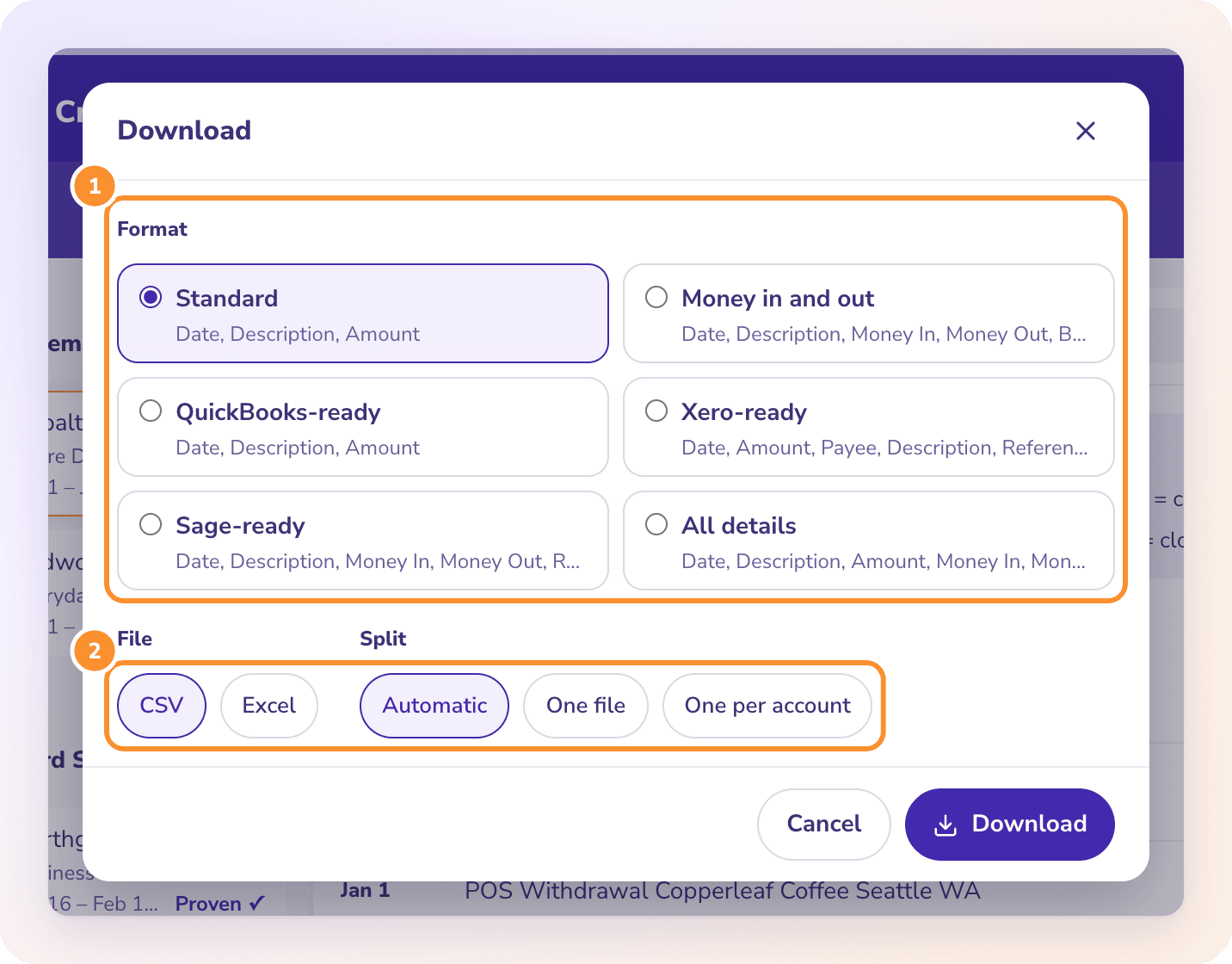
The ZeraBooks Excel download writes amounts as numbers and everything else as text: references, check numbers, descriptions. Nothing is guessed when you open it, so a reference keeps every digit. The bank statement converter proves each statement against its printed balances first.
Can I get the lost digits back?
Not from that cell. Once Excel has stored the number, the digits past the 15th are zeros. Open the original CSV or PDF again and import the column as text.
Why does this happen on American Express downloads?
American Express downloads can carry a long reference number on each charge. Any 16-digit or longer number does the same thing, including card numbers and some bank transaction IDs.
Does it change my amounts?
No. Amounts are far shorter than 15 digits, so they keep every cent. Only long identifiers are hit.
Sources and further reading

ONE-WEEK FREE TRIAL
See it on your own books.
Free for one week.
General Ledger and Converter, both included. $79 a month billed annually or $149 monthly after the trial.