Get changelog updatesFollow the RSS feed to hear about product updates as they ship.
General LedgerNewAI
Autopilot does the books, and asks when it isn't sure
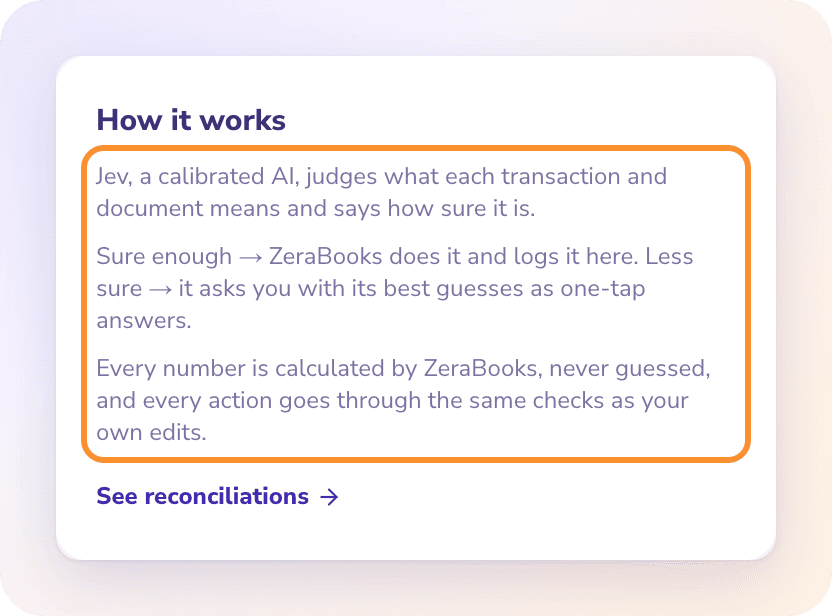
What's New: The new Autopilot page shows everything ZeraBooks did for you, the questions it needs you to answer, and a log where you can undo any action. Autopilot names vendors and customers, approves bills and invoices that pass every check, splits loan interest, spreads prepaid expenses and signs off months that tie. You choose how much it does on its own: Cautious, Balanced or Autopilot.
Why it Matters: The routine work gets done without you, and every action is visible and reversible. When ZeraBooks is unsure, it asks one question with its best guess first, instead of guessing. See How AI works in ZeraBooks.
General LedgerNew
Bring your books over from QuickBooks, Xero and others
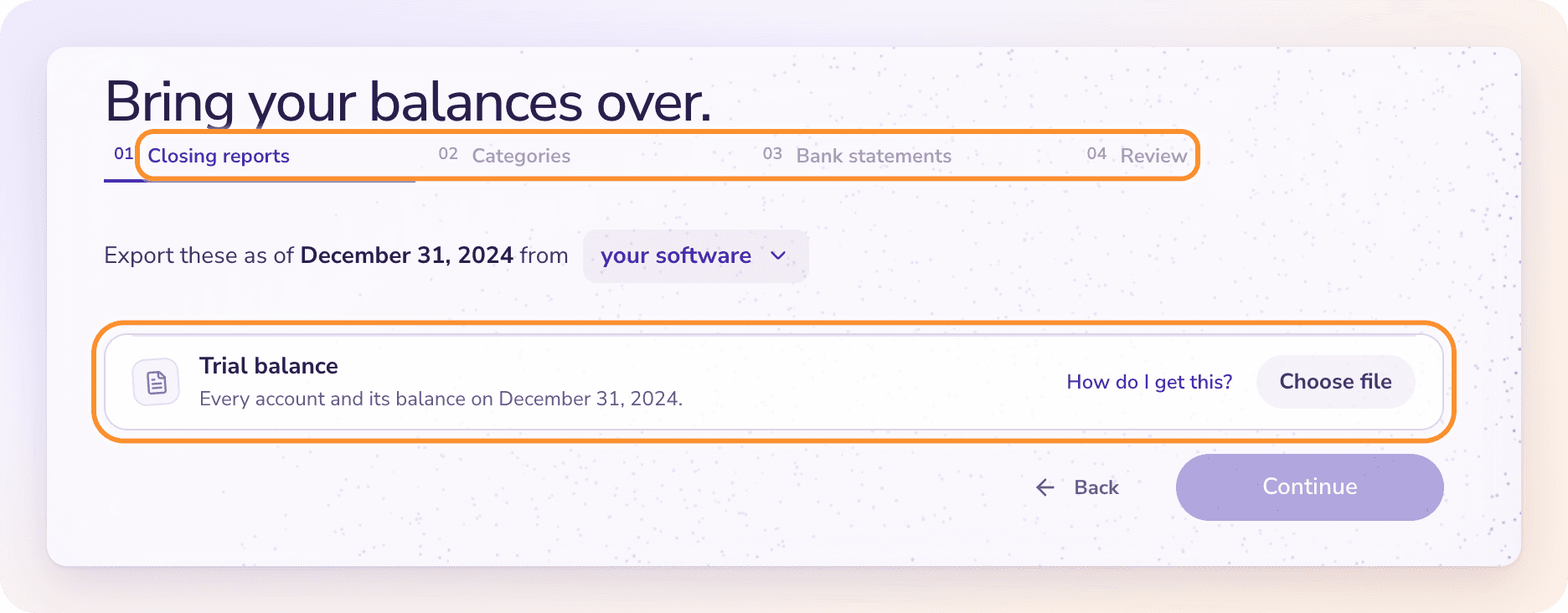
What's New:Opening books moves an existing business into ZeraBooks in four stages: upload your closing reports, match each balance to a category, reconcile your bank statements with any uncleared items, then review and import. Guides show the exact clicks to export from QuickBooks Online, QuickBooks Desktop, Xero, Sage, FreshBooks and Wave.
Why it Matters: You start in ZeraBooks with the balances your old books closed on, unpaid invoices and bills included, and you can undo the import if something looks wrong. See Move your books to ZeraBooks.
General LedgerImproved
One setup wizard for every business
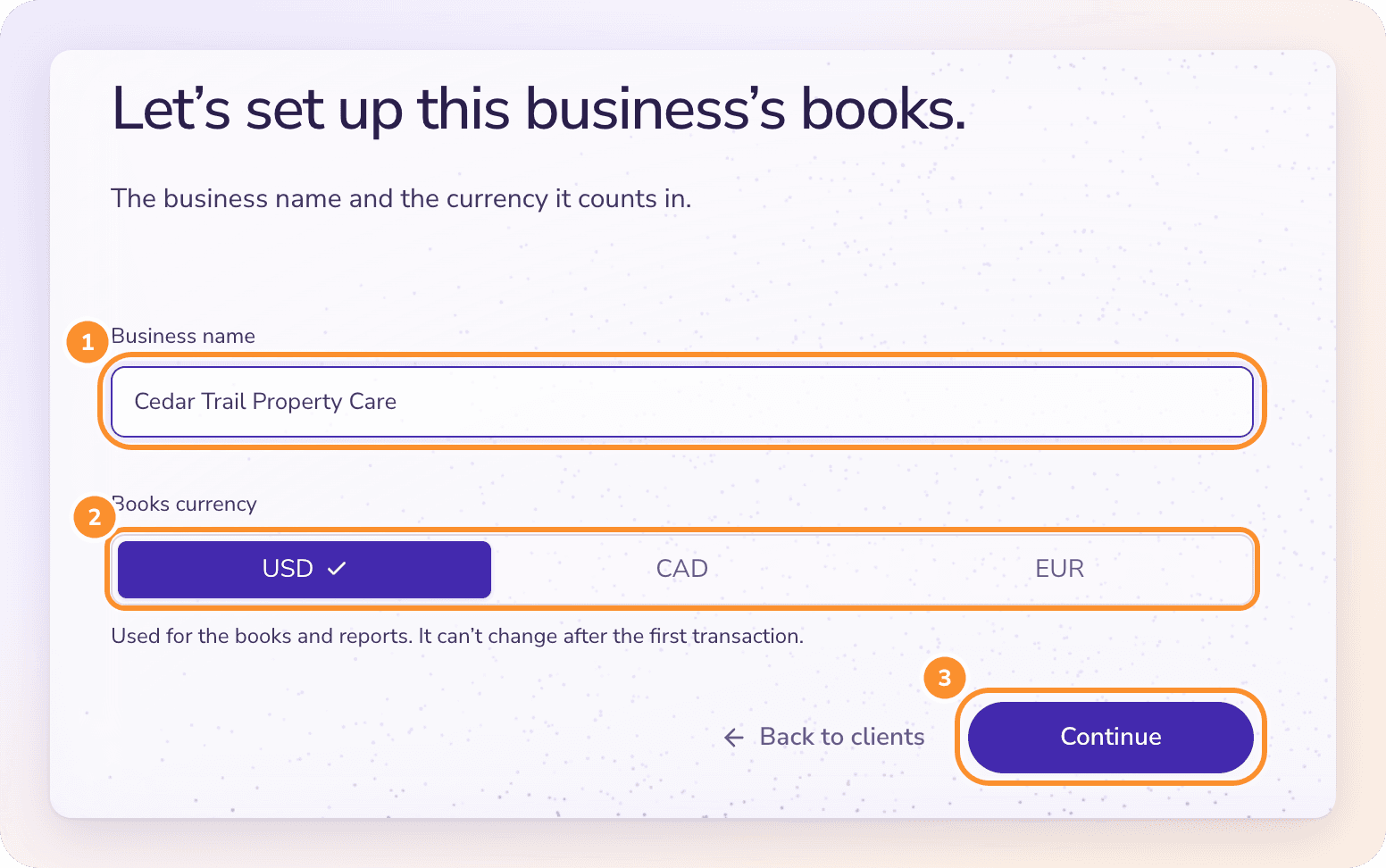
What's New: Setting up a company is now three short steps: the business name and books currency, where the books are today (start fresh, up to date, or catching up), and your categories. The same wizard sets up each client a bookkeeper adds.
Why it Matters: Every business starts with the right handoff date and a chart of accounts that fits it. See Set up your first company.
General LedgerNew
Books in USD, CAD or EUR, and reverse charge
What's New: Each company keeps its books in one currency: US dollars, Canadian dollars or euros. Bills and invoices in another currency post at the rate on the document date, and any difference on payment goes to Exchange Gain or Loss. Bills and invoices also support reverse charge, where the buyer accounts for the tax.
Why it Matters: Businesses outside the US, and those that buy or sell across borders, get reports in their own currency with every conversion recorded. See Currency and region.
General LedgerBookkeepers
Switch between clients in one click
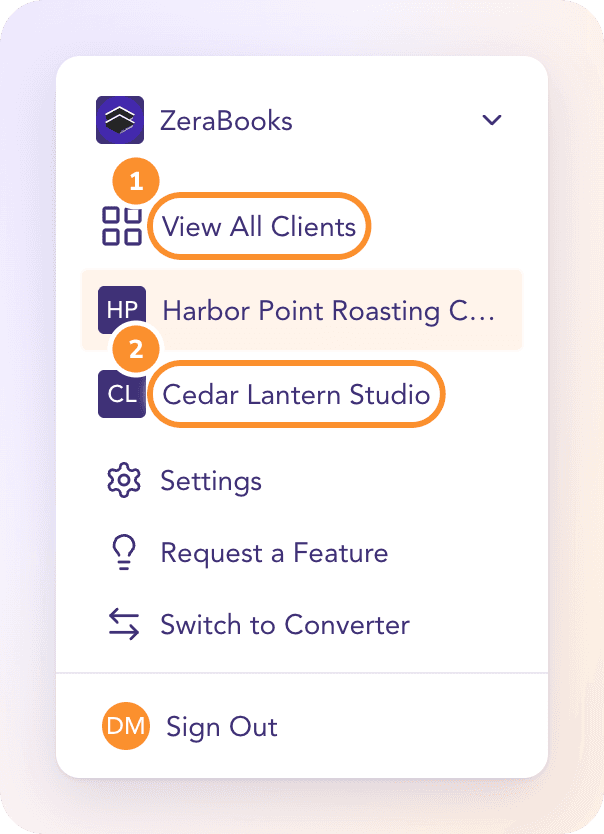
What's New: The company menu now lists your five most recent clients, and All Clients shows every company you keep books for, with Books through, Review, Cash, A/R and A/P for each, in a grid or a list you can sort.
Why it Matters: Bookkeepers see which clients need attention first, and move between them without losing their place. See All Clients.
General LedgerNewReports
Month-end reports for your clients
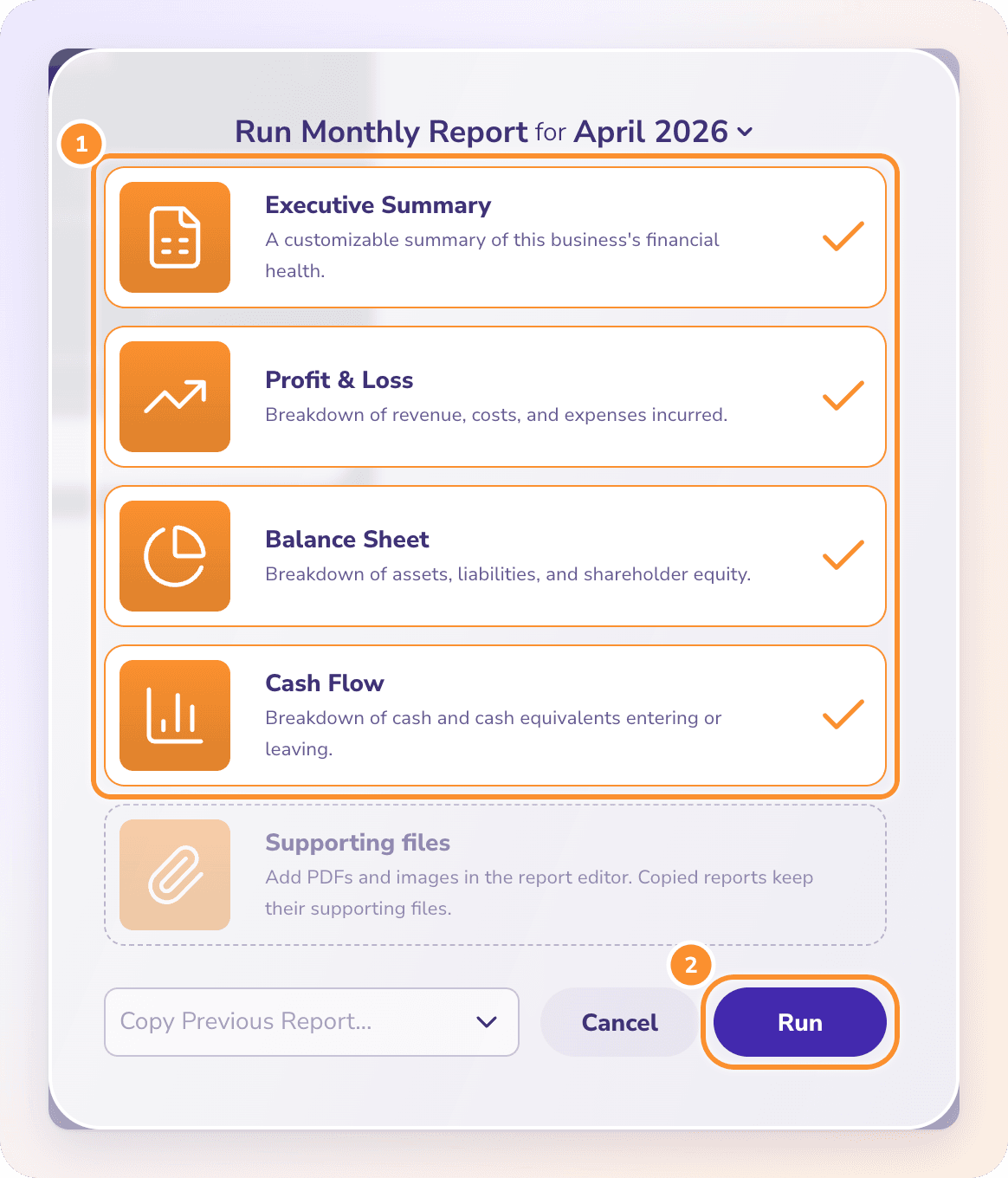
What's New:Custom Reports builds a month-end report from your live books: pick the statements, add graphs and lists, choose a cover, attach supporting files, then publish and email it as a PDF.
Why it Matters: One polished report per month, built from numbers that already tie to the bank. See Create a month-end report.
General LedgerImproved
Upload a missing statement from Reconciliations
What's New: Click an empty month on the Reconciliations timeline, then Add Statement, to upload the statement right there. It's imported and reconciled in place.
Why it Matters: Closing a gap in the timeline no longer means leaving the page. See How reconciliation works.
Still stuck? A real person reads every message—come say hello.