Do the work in Zera.
Keep QBO for your client.
Run AI bookkeeping inside Zera, then push the finished batch into your client's QuickBooks Online as native records. Two way sync. Nothing to migrate.

One workspace for every client's QBO.
Zera is where the work happens. QuickBooks stays where the client lives. One connection, every record type, and a sync you can trust.
- One click OAuth to your client's QBO
- Native Purchase, Deposit, Bill, and JE records
- Two way sync with conflict resolution
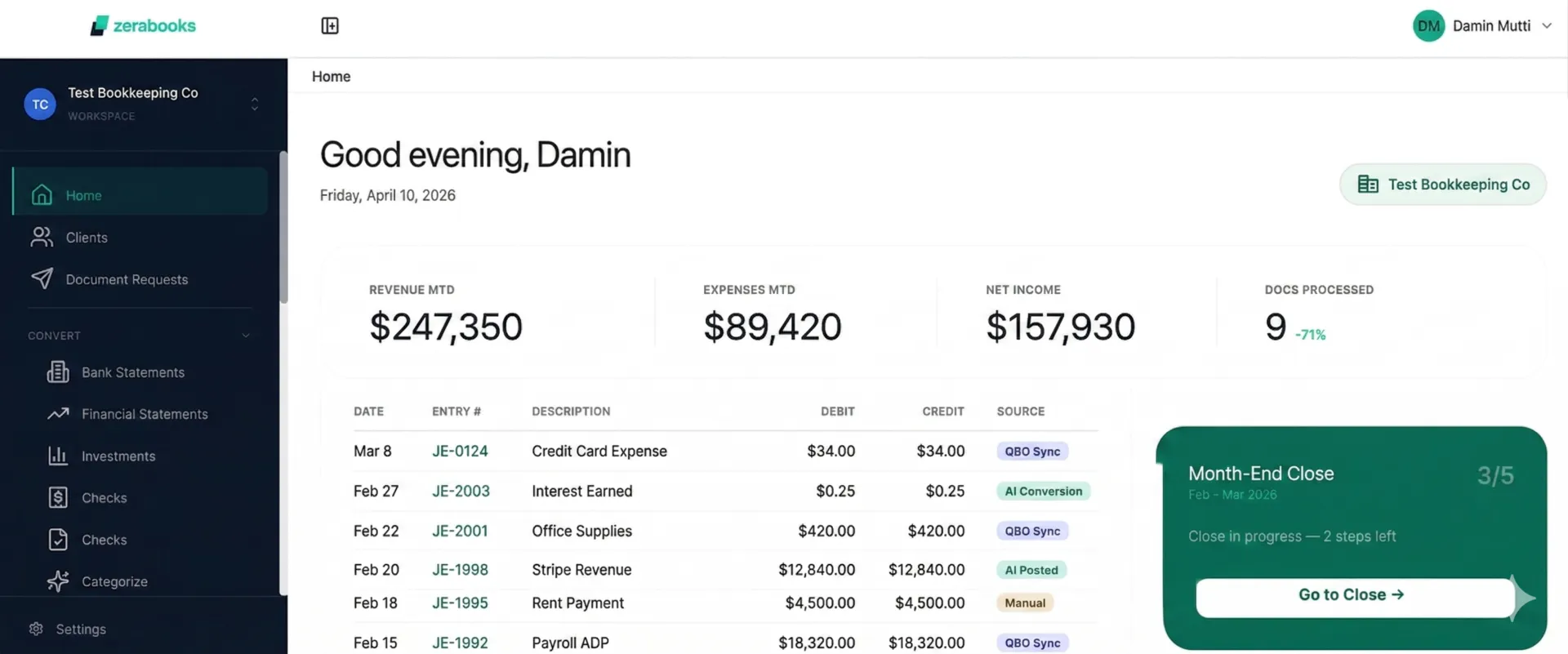
Connect. Work. Review. Sync.
A clean four step loop you can run on every client, every month. No training, no templates, no forced migration.
Connect
One click OAuth into your client's QuickBooks Online. Zera pulls the live chart of accounts.
Work
Do the AI bookkeeping inside Zera. Categorize, post, reconcile, close. Faster and cleaner.
Review
Every row comes with a confidence score. You sign off on everything before it syncs.
Sync
One click and the batch lands in your client's QBO as native records. Live confirmation on both sides.
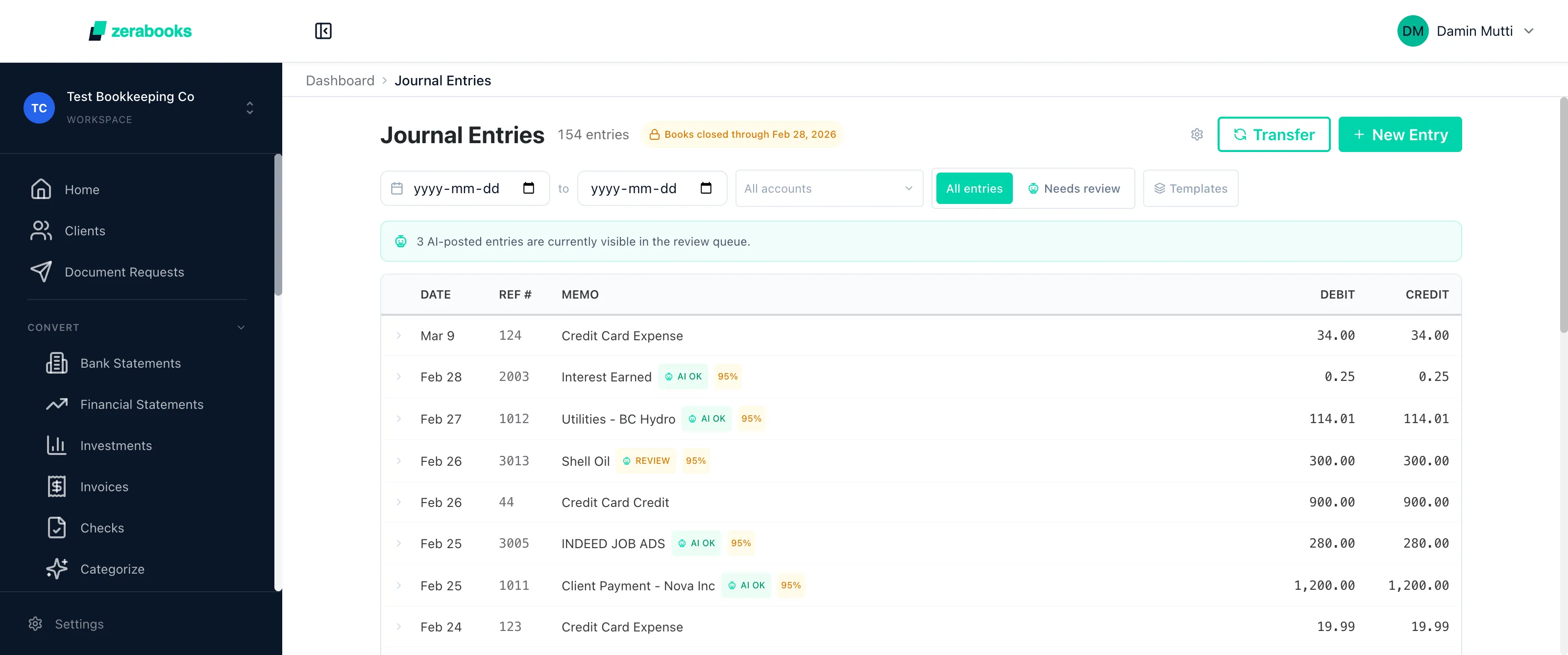
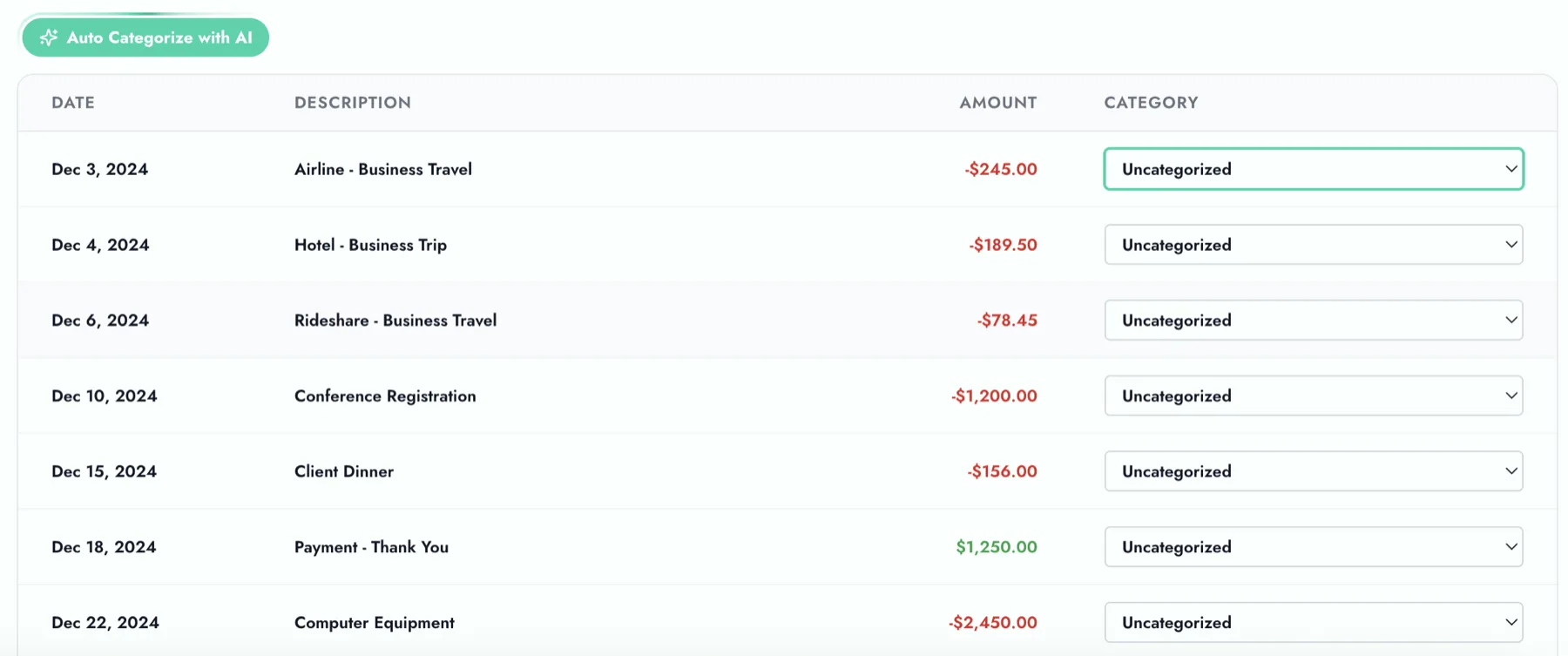
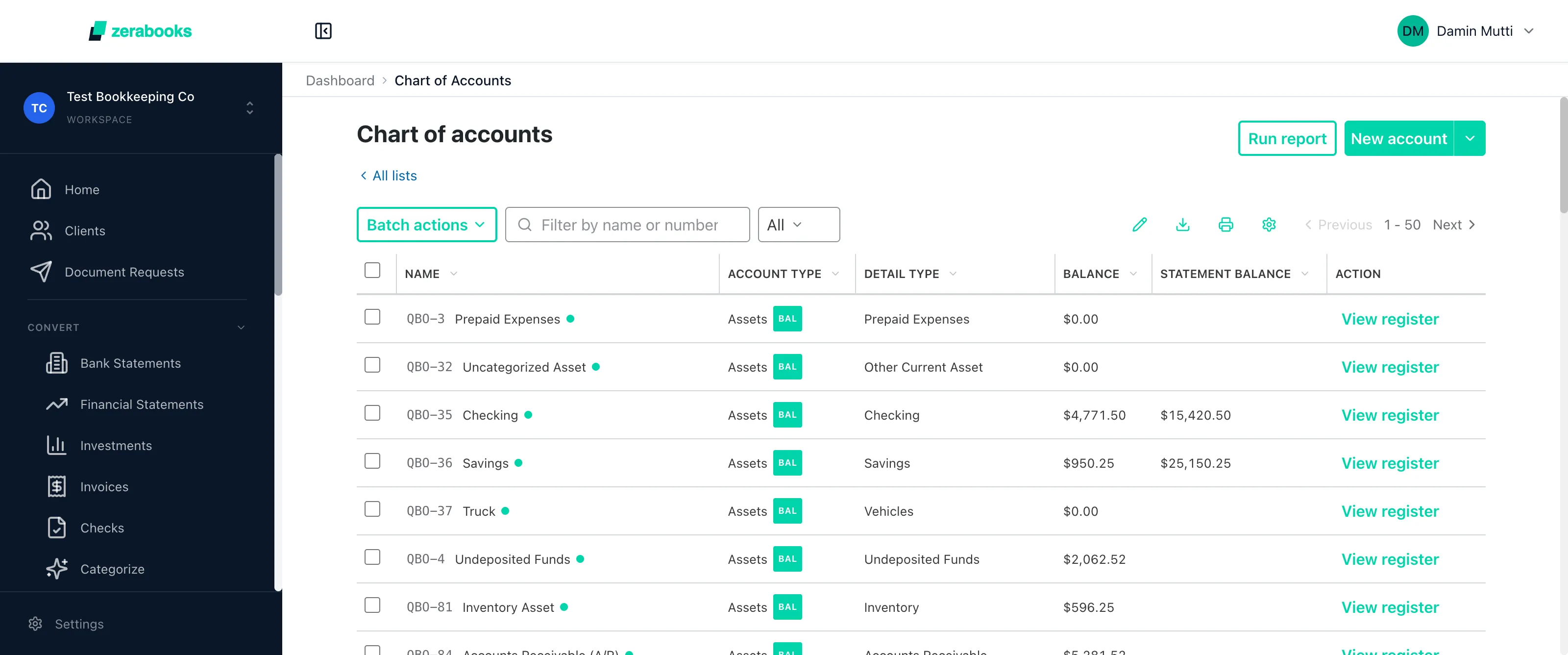
Native QBO records. Not imported data.
Zera does not dump CSV files. Zera writes directly to your client's QuickBooks via the Intuit Accounting API. Every record is a native Purchase, Deposit, Bill, or Journal Entry.
Your client never has to move.
Competitors ask your client to leave QuickBooks. Zera lives on top of it.
Asks your client to leave QBO.
- Forced migration off QuickBooks
- Retrain your client on a new platform
- Historical data conversion risk
- Rebuild reports and workflows
Lives on top of QBO.
- QBO stays as the client source of truth
- OAuth connection tied to the accountant
- Native records via the Intuit API
- Two way sync with conflict resolution
My clients keep QuickBooks. I keep my sanity. Zera does the ten hours of grunt work every week and pushes clean records straight into their QBO. That is the whole job.

Connect your first QBO client.
Free for one week. $79 a month after that. Unlimited clients, unlimited everything.