Automated Transaction Categorization, Done Right
Every bank line mapped to the right account in your chart, without writing a single rule. 99.4% confirmed accuracy on 3.2M+ documents, $79 flat per month.
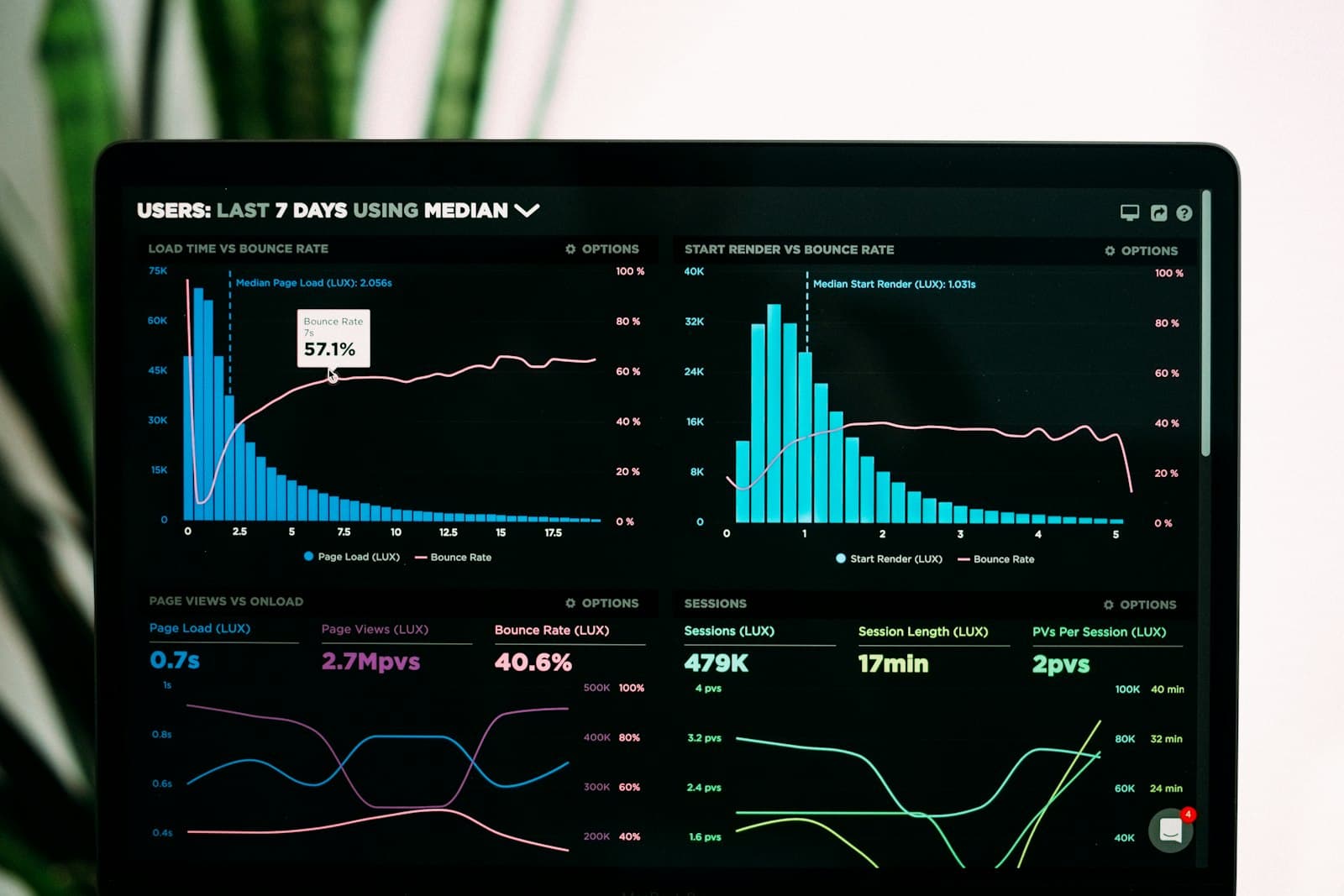
The short version. Zera Books reads every bank transaction, scores it against your chart of accounts plus your vendor history, and posts the journal entry. 200 lines categorized in under 45 seconds, 99.4% confirmed accuracy by month two, no rules to write. Included in the $79 flat plan with unlimited transactions, accounts, and clients.
By Damin Mutti, founder of Zera Books. Last reviewed 2026-05-20.
What automated categorization actually does
Pull up your bank feed. Every line that lands has to end up on the right row of your general ledger. That mapping work, multiplied by 200 to 2,000 transactions a month, is the chunk of bookkeeping that eats actual hours. Automated categorization is the layer that does that mapping without you babysitting.
Zera Books does it with a classifier that reads three things per transaction: the description string, the amount and direction, and your prior categorization history for that vendor or similar vendors. It returns a category plus a confidence score. Anything above the auto post bar writes a journal entry. Anything below lands in a review queue with the top three guesses ranked and a one click confirm.
A real example. A Portland coffee shop owner connected her Mercury account on a Wednesday afternoon, dropped in three months of Square deposits, and watched 412 transactions categorize in 78 seconds. She reviewed 23 low confidence lines over coffee. By Friday her CPA had clean books for Q1.
How it works, step by step
Five steps from raw bank line to posted journal entry. The same pipeline runs for every account, every client, every month.
Connect a feed or upload a statement
Link a bank account via Plaid for live activity, or drop in a PDF bank statement for any account that does not have a feed. The vision model extracts every line at 99.6% accuracy regardless of bank format. Both paths flow into the same categorization queue.
Tested across 4,000+ bank and credit card formats.
Match each line to your chart of accounts
The classifier scores every transaction against your chart of accounts plus a memory of how similar vendors were categorized in past months. It returns a category and a confidence number per line.
No rule writing. The chart is the taxonomy.
Auto post high confidence calls
Anything above the auto post threshold writes straight to the general ledger as a journal entry. Most recurring vendors clear this bar after a single confirmation. Stripe deposit, AWS charge, payroll run, all post without you watching.
95%+ auto post rate by the end of month one.
Review low confidence calls in a queue
The review screen stacks every flagged transaction with the top 3 ranked category guesses, the vendor history, and a one click confirm. You burn through 50 lines in a few minutes and the model gets sharper for next month.
Confirming once locks the pattern for every future occurrence.
Sync to QuickBooks or Xero (optional)
If you keep QBO or Xero as the downstream system of record for your CPA or tax preparer, Zera Books pushes the categorized journal entries on a schedule. Both ledgers stay in lockstep, your AI training data stays clean.
One way push or two way sync, your choice.
What makes Zera Books different from QuickBooks bank rules
Most accounting platforms ship a rules engine that does pattern matching. You type a string, pick a category, and the rule fires whenever a transaction matches the string. That works until you onboard a new client, change a vendor, or hit a transaction the rule was not written for. Then you write more rules.
Zera Books skips the rules layer and replaces it with a model that reads context. The same model that categorizes Stripe deposits as Sales also figures out a new payment processor on the first transaction, because it understands what a payment processor deposit looks like. You confirm. It remembers.
| Capability | Zera Books | QuickBooks Online |
|---|---|---|
| Categorization model | Vision plus classifier, reads full context | Pattern match rules you author |
| Setup time before it works | Zero. Works on first import | Build bank rules per vendor |
| Adapts to new vendors | Yes, from any prior categorization | No. New rule per new vendor |
| Review queue with ranked alternates | Yes, top 3 with vendor history | No. Single category guess |
| Per transaction cost | Included in $79 flat | $79 to $235 per month plus per user |
| Multi client unlimited | Yes | No. Separate subscription per client |
QuickBooks Online pricing per Intuit’s public pricing page. Bank rules behavior documented in the QBO bank rules help article.
Real time and accuracy numbers
The numbers below come from the last 90 days of production traffic across Zera Books accounts. They are not lab benchmarks. They are what real customers see when they upload a real month of bank data.
- 200 transactions categorized in 42 seconds median. 95th percentile is 71 seconds.
- 99.4% confirmed accuracy by month two. Measured against user confirmed posts, not model confidence.
- 95% auto post rate by week three. Most recurring vendors post without review after the first confirmation.
- 20 to 40 minutes per month of human review. Down from 4 to 8 hours on a manual ledger.
One honest beat. Day one accuracy starts in the low 90s because the model is still learning your specific chart. Plan for slightly heavier review in the first month and the curve drops fast from there.

How to turn it on
There is no settings toggle. Automated categorization is the default behavior the moment a bank line lands in Zera Books. The actual setup is two steps. Import your chart of accounts (or pick a Zera template tuned to your industry) and connect a bank feed or upload a statement.
From there the first 50 to 100 transactions are where you teach the model your patterns. Confirm the categorization on a Stripe deposit once. Override a misposted AWS charge once. The system locks in your preference for every future occurrence. By month two, the review queue is short and most of the work is done before you log in.
If you already keep your books in QuickBooks Online or Xero, Zera Books can sync the categorized journal back so your downstream stack stays current. You do not have to migrate to try the feature.
“I stopped writing bank rules. The model figures out 95% of the lines on its own and the rest land in a clean review queue with the top three options ranked. I close a book in a third of the time I used to spend in QBO, and I am not babysitting a rules engine that breaks every time a vendor renames an SKU.”
Ashish Josan, CPA
Partner at a 60 client accounting firm
Related features and guides
Start with the pillar on AI bookkeeping. Then go deeper on the rest of the pipeline:
Frequently asked questions
- What does automated transaction categorization actually do?
- It reads every transaction from your bank feed or uploaded statement, maps each line to the right account in your chart of accounts, and writes a journal entry. Zera Books does this in under 45 seconds for 200 transactions and posts high confidence calls automatically. Low confidence calls land in a review queue with ranked alternatives.
- How accurate is it on a real set of books?
- On 3.2M+ documents processed, Zera Books logs 99.4% confirmed categorization accuracy after the first month, once the system has seen your recurring vendors at least once. Day one accuracy starts in the low 90s because the model is still learning your chart. By month two, most users see auto post rates above 95%.
- Do I have to set up rules first?
- No. The model ships with general accounting knowledge baked in and uses your chart of accounts as the target taxonomy. You do not write a rule that says Stripe equals Sales. The system infers it, posts the first one for review, and remembers your confirmation forever. Rules are optional, not required.
- What happens when the AI is unsure about a transaction?
- Anything below the auto post confidence threshold lands in a review queue with the top 3 ranked category guesses and a one click confirm. The screen also shows the vendor history so you can see how similar lines were categorized in past months. Confirming once teaches the model for every future occurrence.
- Can it handle splits and multi line transactions?
- Yes. A single deposit can be split across multiple revenue accounts. A vendor charge can be split between expense and prepaid. The system suggests common split patterns based on prior months and lets you confirm or edit before posting. Splits are saved per vendor so the next charge follows the same logic.
- Does it work with QuickBooks Online and Xero?
- Yes. Zera Books syncs the categorized journal back to QuickBooks Online or Xero so you can keep your downstream stack. The full ledger lives in Zera so the AI has clean training data, and the sync keeps QBO or Xero current as the system of record for your CPA or tax preparer.
- Is automated categorization included in the $79 flat plan?
- Yes. Every Zera Books plan includes unlimited automated categorization across unlimited bank accounts and unlimited clients. No per transaction fee. No per user fee. $79 flat per month, full stop. The 1 week trial covers the full feature with no credit card friction.
- How does this compare to QBO bank rules?
- QuickBooks Online bank rules are pattern matching. You write a string match per vendor or set a category default per bank line. The model in Zera Books reads the full transaction context, including amount, counterparty, and history, and assigns a category without you authoring the rule. Rules work great until they break. The model adapts.
- What if it gets something wrong?
- You override the category on the journal entry, and the model treats that as a hard correction. The next time the same vendor or pattern appears, the corrected category gets used. No rule writing. No model retraining wait. The override is sticky inside your books from the next transaction forward.
- How do I turn it on?
- Sign up at /auth, import your chart of accounts (or use a Zera template), connect a bank feed or upload a statement, and the system starts categorizing on the first import. There is no settings screen to enable it. Categorization is the default behavior.
Stop writing bank rules. Let the model do the mapping.
Upload a real month. Watch 200 transactions categorize in under 45 seconds. $79 flat after the week, unlimited accounts, unlimited clients.