Reconciliation in minutes,
not hours.
Zera auto-matches bank transactions to ledger entries on amount and date. AI handles the tricky ones like splits and partial matches. Reconcile months in minutes instead of days.

The full workflow
From bank feed to reconciled ledger.
Sync once. Zera auto-matches the obvious. AI handles the tricky. Exceptions surface for review. Month-end, closed.
Sync bank data
Import from bank statements, live feeds, or uploaded CSV. Every transaction lands in the workspace.
Auto-match
Exact amount and date matches happen instantly. Most of the work disappears before you see it.
AI suggestions
Splits, partial matches, and fee adjustments get proposed with confidence scores. Approve or edit.
Exception handling
Whatever is left surfaces as an exception. Source context, match options, one-click adjusting entry.
Auto-match
Bank meets ledger. Instantly.
Zera matches bank transactions to ledger entries on amount, date, and description. Exact matches happen the moment you sync. For most firms, 80 to 90 percent of transactions auto-match without any human review.
- Match on amount, date, and description
- 80 to 90 percent auto-match rate
- Instant match on sync
- Confidence score per match
AI suggestions
Splits. Partials. Zera figures it out.
For the tricky 10 to 20 percent, where one bank charge needs to split into multiple ledger entries, or where amounts differ by a few cents due to FX, Zera proposes the match. You approve or edit.
- Split detection (1 bank txn to multi ledger)
- Partial match with amount variance
- FX-aware matching
- Fee and timing adjustments
Exception workspace
Unmatched items. Surfaced and solved.
Whatever does not auto-match and is not AI-suggested lands in your exceptions workspace. Each exception shows the source transaction, potential matches, and a one-click path to create an adjusting entry.
- Exceptions grouped by type
- Source transaction full context
- One-click adjusting JE creation
- Link to bank rule for future auto-match
Reconciliation reports
Month-end ready. Export or audit.
Every reconciliation generates a complete report: matched, unmatched, adjusted, and the audit trail for each. Export to Excel or PDF, attach to the month-end close, hand off to your reviewer.
- Full matched and unmatched breakdown
- Audit trail per match
- Excel and PDF exports
- Attach to month-end close
Month-end close
Reconciliation, then close. One workspace.
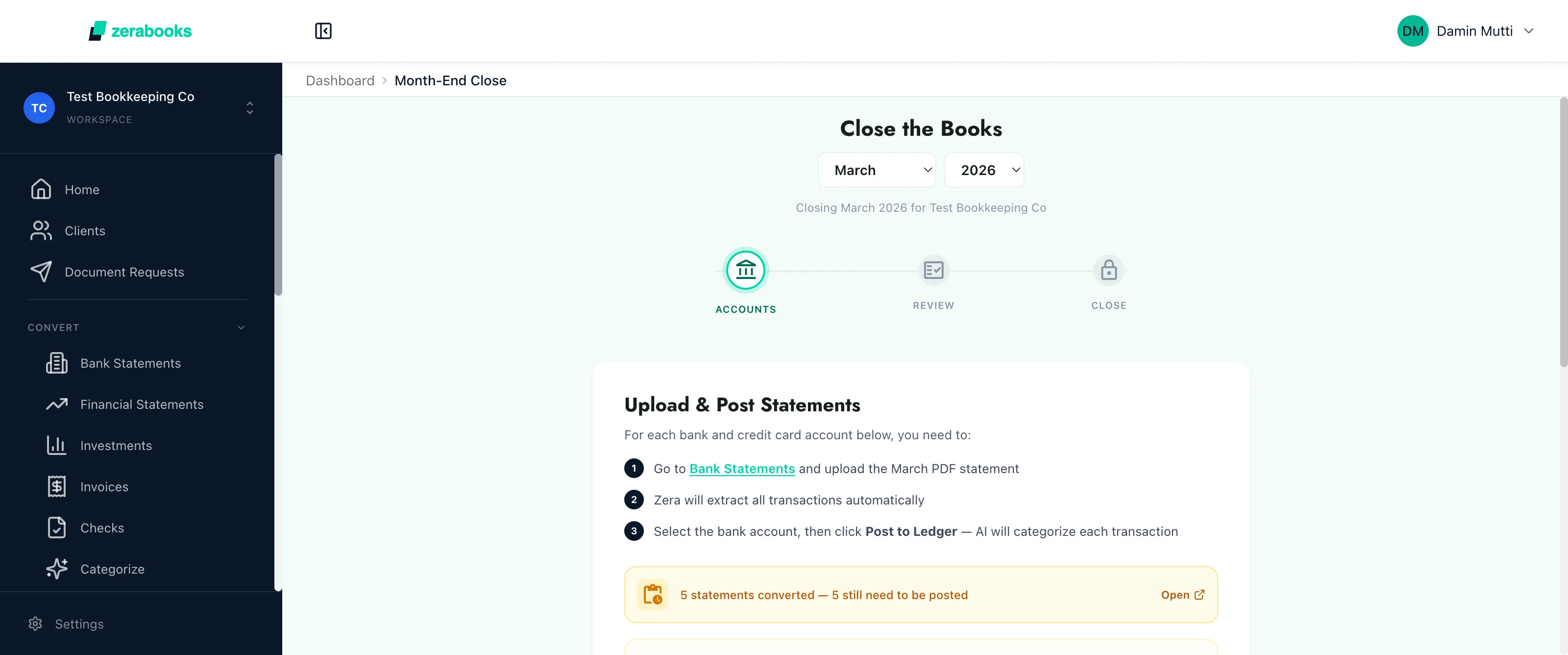
Bank reconciliation flows directly into Zera's month-end close workflow. Each reconciled bank account shows up as a close checkpoint. When all accounts are reconciled, close the period with one click.
- Reconciliation feeds close checkpoints
- Per-account close status
- AI-powered close review
- Lock period with one click

Manroop
Gill
Co-Founder
Zoom Books
We were drowning in bank statements from two provinces and multiple revenue streams. Zera Books cut our month-end reconciliation from three days to about four hours.
Start reconciling
Bank meets ledger. Automatically.
Auto-match instantly. AI handles the tricky ones. Reconcile months of data in minutes.
Auto-match. AI-suggested. Exception-clean.
Try Zera Books free for one week. Cancel anytime during the trial.