AI Financial Reports With Plain English Insights
P&L, balance sheet, cash flow, and lender packs generated in seconds from the live ledger, with plain English variance commentary written for board members and bankers. 99.6% document extraction across 3.2M+ statements. $79 flat per month.

The short version. AI financial reporting in Zera Books generates P&L, balance sheet, cash flow, and lender packs from the live ledger in seconds. A plain English insights panel explains what changed versus prior periods, which accounts drove the moves, and which ratios shifted. Drill from any sentence in the narrative straight to the source journal entry. Included in the $79 flat plan with unlimited reports.
By Damin Mutti, founder of Zera Books. Last reviewed 2026-05-21.
What AI financial reporting actually does
Reading a P&L is not the work. Building the deck around the P&L is the work. A controller spends Friday afternoon copying numbers into a slide, writing the variance commentary, then rebuilding the same slide the next month with new numbers. The shape never changes. The work is mechanical.
Zera Books runs that mechanical layer for you inside an AI accounting software stack built around the model from day one. Every report builds from posted journal entries on every load. The insights panel reads variances, ratios, and trends, then writes a paragraph plus three to five bullet flags. The board pack export bundles your branded PDF in under 30 seconds.
Concrete example. A SaaS founder in Austin runs his own books in Zera Books and sends a one page board pack to four investors every month. He used to spend a half day in Google Sheets writing the commentary. Now he opens the reports tab on the second of the month, reads the narrative, edits one paragraph, exports the PDF, and is done in 20 minutes. The mechanical hours are gone. The story stays his.
How the reporting pipeline runs
Five steps from a freshly posted ledger to a branded board pack PDF. Same pipeline runs for every entity, every period.
Pick the period and the report
Open the reports tab, choose P&L, balance sheet, cash flow, trial balance, or a custom pack. Pick the period in one click, single month, quarter, year, trailing twelve months, or a custom range. Save the view as a default for next month.
Eight built in report types, every period in one click.
Reports build from the live ledger
Every report pulls directly from posted journal entries. No syncing, no rebuilding cubes, no waiting on overnight refresh. Numbers reflect the ledger as of the moment you open the screen. Open the same report an hour later and it reflects every entry posted in between.
Live data, every load. No nightly refresh window.
AI writes the variance commentary
The insights panel reads the report data and writes a plain English summary of what changed versus the prior period, which accounts drove the move, and which ratios shifted. Gross margin, current ratio, cash runway, all explained in sentences a board member can read.
One paragraph summary plus three to five bullet variance flags.
Drill from headline to transaction
Click any line in the narrative or the report and the system drills straight to the source journal entries. Source statements, vendor records, and reconciliation notes are one more click away. The audit trail is always one click deep, no matter where you start.
Every dollar in every report traces back to a source document.
Export the pack
Lender packs, board decks, and tax handoffs export to PDF with your branding in under 30 seconds. Excel and CSV exports cover everything else. Every export is versioned against the close period so what your board saw on the 15th is exactly what you can reproduce on the 30th.
Versioned exports, branded PDFs, lender pack in 30 seconds.
What makes Zera reports different
QuickBooks Online and Xero both produce a P&L, balance sheet, and cash flow. Neither writes a narrative. Neither flags variance outliers in plain English. Neither pre-builds a board pack. The AICPA notes that strong management reporting pairs the numbers with a story. The legacy tools give you the numbers and stop. Zera Books pairs the numbers with the story by default.
The insights layer does not invent data. It reads the same posted ledger that powers the report, explains the moves in sentences a board member can read, and links every claim back to the source entries. That is the difference between AI reporting and a bolted on chatbot.
| Capability | Zera Books | QuickBooks Online |
|---|---|---|
| Plain English variance narrative | Built in, every report | Not available |
| Live ledger reports | Every load reflects current ledger | Same, but no insights |
| Branded lender pack PDF | One click, under 30 seconds | Manual build, third party tools |
| Multi entity consolidation | Built in, AI commentary aware | Advanced tier or third party |
| Period over period comparison | MoM, QoQ, YoY, TTM in one click | Manual report builder |
| Drill from narrative to journal | Yes, one click to source entries | No narrative to drill from |
| Custom report builder | Yes, save and share | Yes, in higher tiers |
| Cost | Included in $79 flat | $99 to $235 per month plus per user |
QuickBooks Online pricing per Intuit’s public pricing page. For a full breakdown, read Zera Books vs QuickBooks Online.
What the reports actually look like
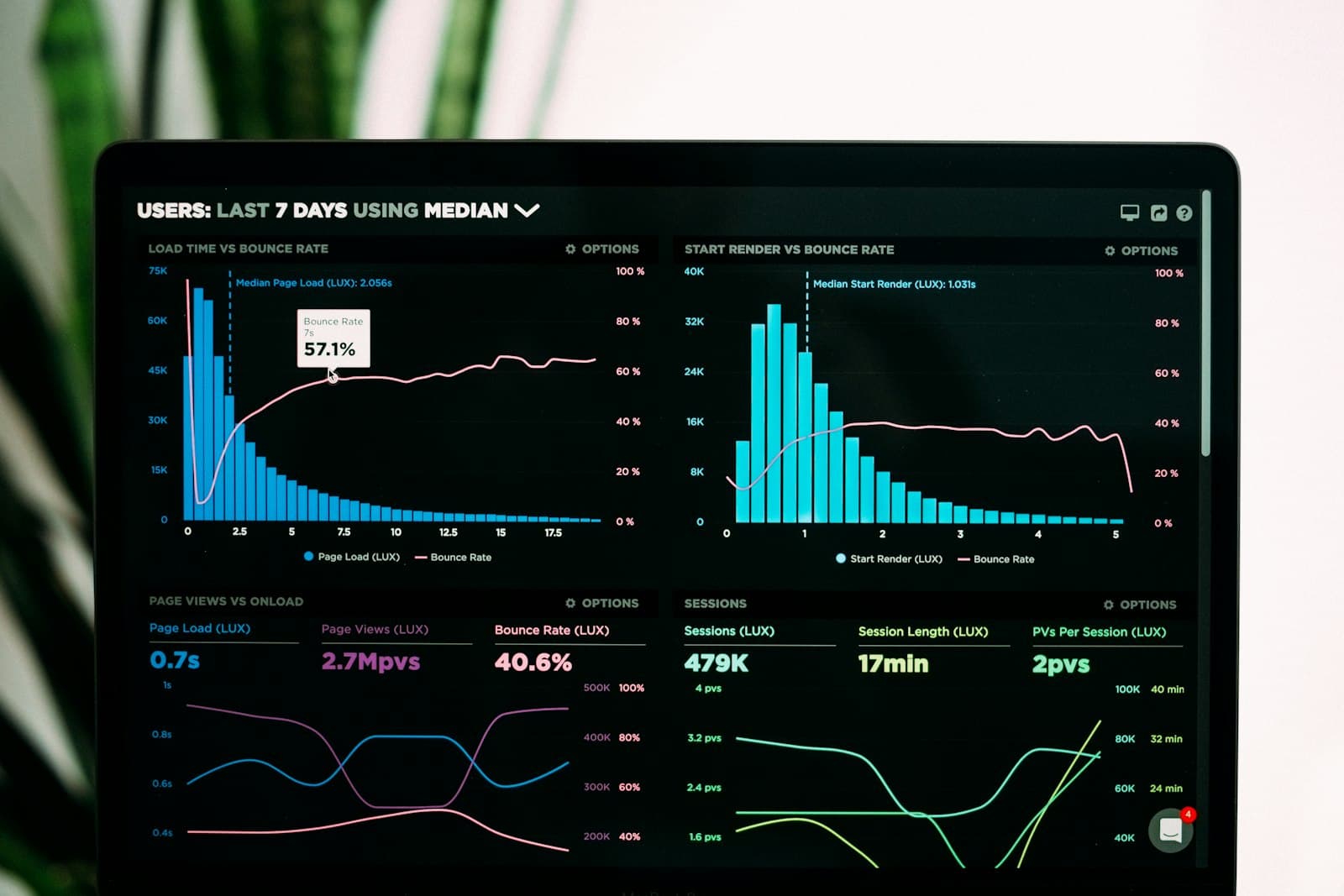
The screenshot to the right is the live reporting view in Zera Books. P&L on the left, AI commentary on the right, drill links on every line. Same view runs for a solo founder closing one entity and for a CPA firm consolidating fifteen.
- One paragraph executive summary at the top of every report.
- Three to five bullet variance flags below the summary, written in plain English.
- Ratio panel with gross margin, current ratio, quick ratio, and runway.
- Drill from any narrative claim to the source journal entry in one click.
- Branded PDF export for lenders, investors, and board members in under 30 seconds.
One honest beat. The AI commentary nails the obvious moves first. Edge cases (one off legal settlement, founder loan repayment, weird revenue recognition timing) sometimes need a human edit on the narrative. The numbers are right. The story sometimes wants a sentence from you.
How to pull your first AI report
There is no setting to enable AI financial reporting. It is the default behavior the moment you have a chart of accounts and at least one posted period. Open the reports tab, pick P&L, pick the month, the insights run on first load.
The reports pair tightly with the rest of the AI ledger. Numbers come from AI categorization, reconciliation comes from AI reconciliation, and the period locks through AI month end close. Reports inherit the locked numbers and the audit trail. You sign off once, the PDF stays correct forever.
New to the category? Start with what an AI general ledger actually is for the bigger picture of the system the reports run inside.
“Board pack used to take me a half day in Google Sheets. Now I open the reports tab, read the variance summary, tweak one sentence about a one off legal expense, and export the PDF in 20 minutes. My investors actually read the commentary because it sounds like a person wrote it.”
Manroop Gill
Founder of a Series A SaaS company
Insight is a feature, not a chatbot
The variance commentary in Zera Books is not a separate AI panel layered on top of the report. It is the report. The model reads the posted ledger, computes the same variances and ratios the report displays, and writes the explanation as the report renders. That is what AI native means in financial reporting. The seam between the numbers and the story does not exist. The FASB framework assumes a financial statement is paired with disclosure narrative. Zera Books builds the narrative by default.
Related features and guides
Other parts of the AI native general ledger that pair with reporting:
Frequently asked questions
- What is AI financial reporting?
- AI financial reporting is the use of a language model to generate, summarize, and explain core financial statements directly from the ledger. Zera Books runs the P&L, balance sheet, cash flow, trial balance, and aging schedules from live posted data, then writes a plain English summary of what changed versus the prior period and why. You read the story, not just the rows.
- Which reports does the AI generate?
- Profit and loss, balance sheet, cash flow statement, trial balance, general ledger detail, AR aging, AP aging, and custom report packs for board, lender, or tax decks. Every report runs from the same posted ledger, so the numbers never drift between views.
- How accurate are the AI insights?
- The insights layer reads variances, ratios, and trends straight from the locked ledger. Source data accuracy is the same 99.6% document extraction and 99.4% categorization that drives the rest of the platform. The narrative does not invent numbers, it explains the ones that are already there.
- Can I export reports for my lender or board?
- Yes. Every report exports to PDF with your firm or client logo, Excel for further analysis, and CSV for downstream systems. Lender packs bundle the P&L, balance sheet, cash flow, and a one page commentary into a single PDF in under 30 seconds.
- How is this different from QuickBooks Online or Xero reports?
- QuickBooks Online and Xero both produce P&L, balance sheet, and cash flow. Neither writes a narrative. Neither flags variance outliers automatically. Neither pre-builds a board pack. Zera Books runs all three on top of the report data so you spend time reading insight, not building the deck.
- Can the AI compare periods or scenarios?
- Yes. Month over month, quarter over quarter, year over year, and trailing twelve month views are one click. The variance pane explains the largest moves in plain English with links to the source transactions so you can drill from headline to entry.
- Does it work for multi entity reporting?
- Yes. Consolidated P&L and balance sheet across multiple entities in one client portfolio is built in. Eliminations post as journal entries on a consolidation entity, and the AI commentary references the consolidation logic in the narrative.
- Is AI financial reporting included in the $79 plan?
- Yes. Unlimited reports, unlimited exports, unlimited periods, unlimited entities, all included. No per report fee. No per export fee. $79 flat per month with a 1 week trial.
- Does the AI replace a controller or fractional CFO?
- No. The system surfaces what changed, what looks unusual, and what the ratios are doing. The controller or fractional CFO still owns the judgment work: revenue recognition policy, accrual sizing, lender conversations, board strategy. The point is to delete the deck building hours so the human spends time on decisions.
- How do I turn it on?
- Sign up at /auth, import or build a chart of accounts, post at least one period of transactions. Open the reports tab and the AI insights run on first load. No setting to enable, no template to pick. It is the default for every Zera Books account.
Reports that read like a board memo.
Pull a P&L, read the plain English commentary, export the lender pack. All inside a 1 week trial. $79 flat after, unlimited reports, unlimited entities.