Match manual entries to statement lines
If you recorded a payment by hand and the statement shows it too, match the two so the payment is counted once. Or confirm they are separate activity.
Why match
If you record a Pay In, Pay Out or Transfer by hand and later upload the statement that contains the same movement, your books would count it twice. Matching keeps one posting: the statement line is linked to the manual entry you already recorded.
Match a statement line to a manual entry
In the left navigation, click Banks & Cards.
Above the register, click Match manual transactions. The link appears only when you have recorded at least one manual Pay In, Pay Out or Transfer.
Each statement line that could match is listed with Needs review. Open its menu and choose:
the manual entry it matches; or
Keep as separate activity, if they are two different movements that happen to have the same amount.
Click Save matches.
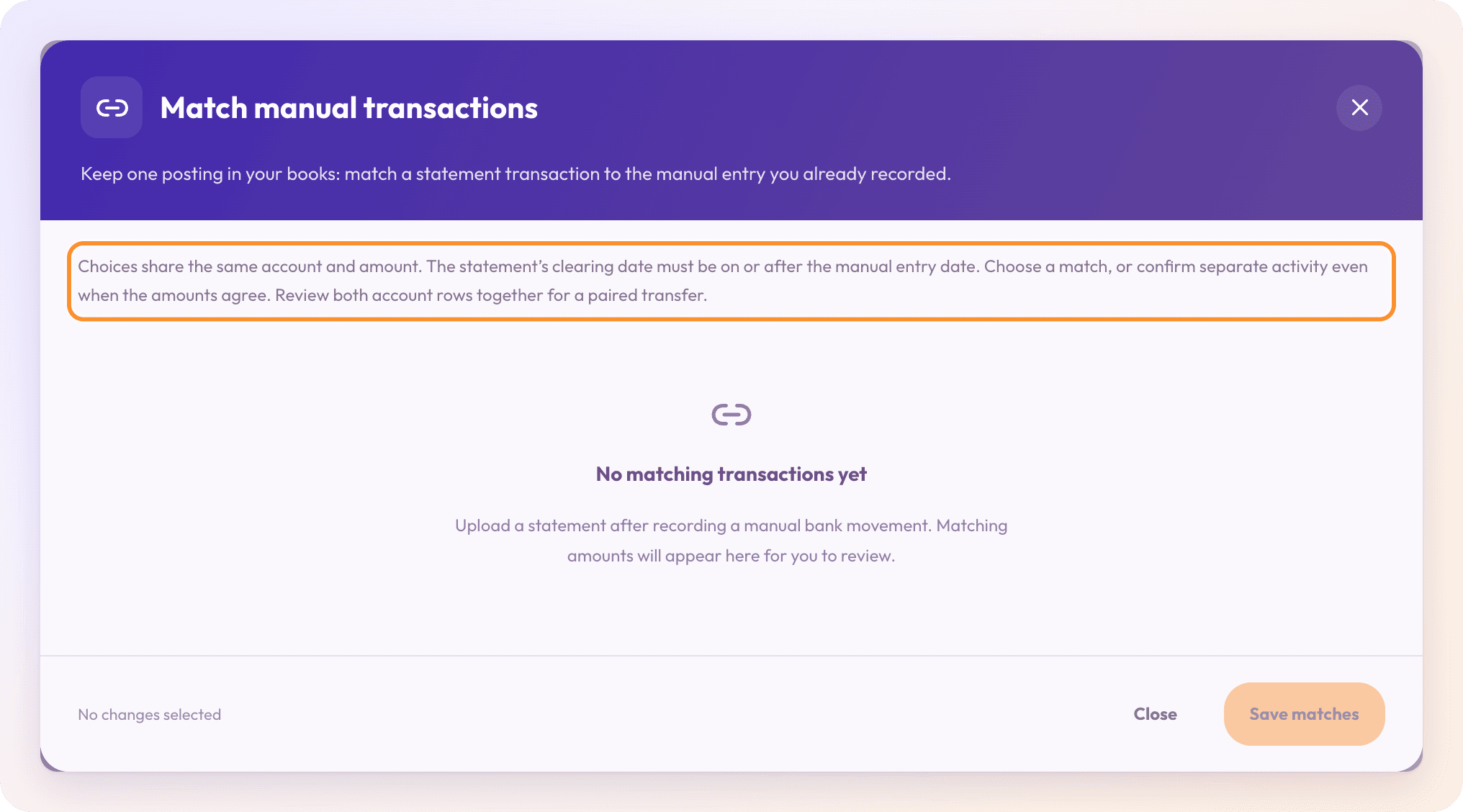
A line can match an entry only when both are on the same account for the same amount, and the statement's clearing date is on or after the manual entry's date.
Tip: For a transfer between two of your accounts, review both rows together. Choose an action for both sides before saving.
Undo a match
Open Match manual transactions and turn on Show reviewed.
On the matched line, choose Unmatch · keep separate.
Click Save matches. For a transfer, choose Unmatch on both rows.
Frequently Asked Questions
I recorded a Pay Out by hand and the statement shows it too. What do I do?
Open Match manual transactions, choose the manual entry on the statement line, and click Save matches. The payment is then counted once.
Why doesn't my manual entry appear as a choice?
It must be on the same account, for the same amount, and dated on or before the statement's clearing date. Each manual entry can match only one statement line.
Why does it say "No matching transactions yet"?
None of your uploaded statement lines matches a manual entry. Upload a statement after recording a manual bank movement; matching amounts appear here for you to review.
What does "Discard unsaved choices?" mean?
You're closing the dialog with choices you haven't saved. Click Keep reviewing and then Save matches, or Discard choices to leave without saving.
Can I change the category of a matched line?
No. A matched line takes its accounting from the manual entry. Change the manual entry instead. See Edit or remove a manual transaction.
Learn more about AI bookkeeping: Autopilot and Ask Zera keep the books inside a real general ledger.
Still stuck? A real person reads every message—come say hello.